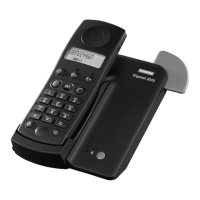
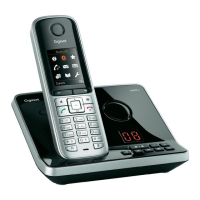
Quick-reference guide for Gigaset 2000S handset
75
Gigaset 2015 plus, GBR: A30852-X-1105-B301-1-7619
kap18.fm5
29.10.99
Quick-reference guide for Gigaset 2000S handset
Handset on/off/in protect mode:
B
Taking a call: Ringing is heard: remove the handset from the charger
unit or press seizure key
c (automatic call acceptance
can be programmed).
Outgoing external call: Press c, then o dial the number.
Or:
o dial the number, then press c.
Internal call: Press
I
, then
1 ... 6
dial the internal number.
Internal transfer of external call: Press
I
, then
1 ... 6
dial the internal number. Press
a either before or after the internal user answers.
Taking transferred external call: Ringing is heard: remove the handset from the charger
unit or press seizure key
c (automatic call acceptance
can be programmed). Internal call. Press
R to take the
waiting external call.
Internal consultation hold: Press
I
, then 1 ... 6 dial the internal number. Con-
sult with the internal user. Press
R to return to the wait-
ing external call.
Redial: Press c, then keep pressing O until the required
number is displayed.
Storing speed dialling number: Press
B
Q
, then
0 ... 9
select the speed dialling
number.
o Enter the telephone number and store with
B
.
Dialling with speed dialling
number:
Press c
Q
, then
0 ... 9
select the speed dialling
number.
Setting handset volume: Press B
0
, then
1 ... 3
select the handset volume
level and store with
B
.
Setting tone ringing volume: Press
B
5
, then
1 ... 6
select the tone ringing
volume level and store with
B
.
Activating monitoring at the base
station:
Press I 8 to activate or deactivate monitoring.


 To Next Page