Template Module, Version 1.2, 11.09.2018,
Multiple handsets
Gigaset E370 / LUG_NF BE-NL en / A31008-M2815-M201-1-3F19 / extending.fm / 11/23/18
48
Expanding the functionality of the telephone
Multiple handsets
Up to six handsets can be registered to the base station.
Each registered device is assigned an internal
number (1 – 6) and an internal name (INT 1 –
INT 6).
The number or name assigned can be changed.
If all internal numbers have already been assigned at the base station: de-register a handset
that is no longer needed
Registering the handset
A handset can be registered on up to four base stations.
On the base station
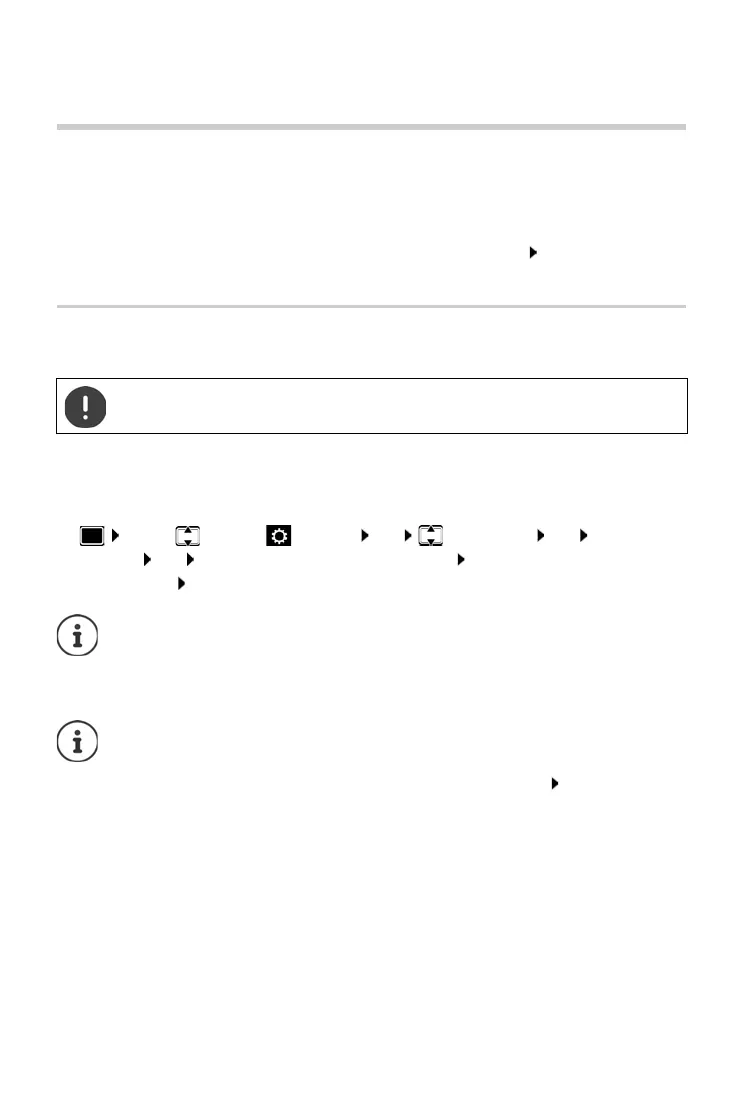
¤ Press and hold the Registration/Paging key on the base station (approx. 3 secs)
On the handset
¤ . . . use to select Settings OK Registration OK Register
Handset OK . . . an available base station is sought . . . Enter system PIN (default
setting: 0000) OK
Once registration is complete, the handset returns t
o idle status. The internal number of the
handset appears in the display, e. g. INT 1. I
f not, repeat the procedure.
Registration must be initiated on the base station an
d on the handset.
Both must be carried out within 6
0 secs.
If the handset is already registered with four bas
es, select the base to be replaced by
the new base.
Maximum possible number of handsets register
ed to the base station (all internal
numbers assigned): The handset with the highest internal number is replaced by the
new one. If this is not possible, because a conversation is being held on this handset,
for example, the message No available internal number is given. De-register a
handset that is no longer required and repeat the registration procedure



 To Next Page