Template Module, Version 1.2, 11.09.2018,
Handset
Gigaset E370 / LUG_NF BE-NL en / A31008-M2815-M201-1-3F19 / settings_HS.fm / 11/23/18
58
Fast access to numbers and functions
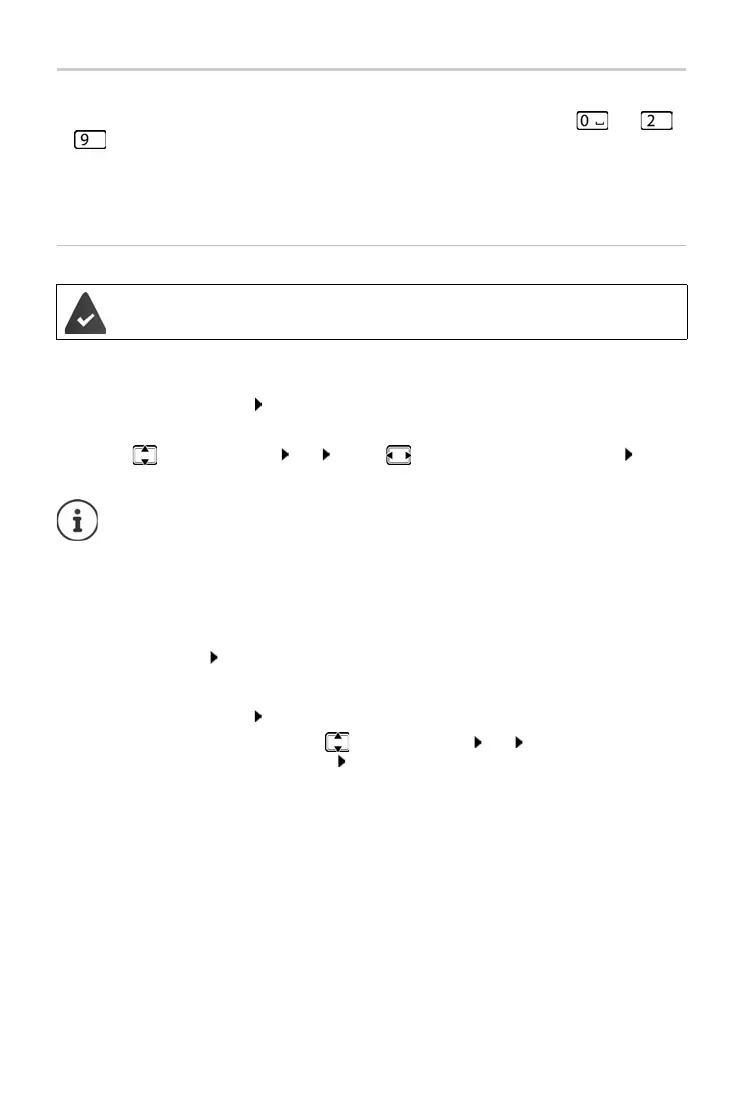
Number keys: It is possible to assign a number from the directory to the keys and
to .
Display keys: The
left display key has a function preset by default, but the key can be re-
assigned.
You can then dial the number or start the function by simply pressing a key.
Assigning a number to digit keys (quick dial)
¤ Press and hold the digit key
or
¤ Briefly press the digit key Press the display key QuickDial
The directory opens.
¤ . . . use to select an entry OK . . . use to select a number if necessary OK . . .
the entry is saved to the digit key
Dialling a number
¤ Press and hold the digit key . . . the number is dialled immediately
or
¤ Briefly press the digit key . . . the number/name (possibly in abbreviated form) is shown on
the left display key . . . press the display key . . . the number is dialled
Changing the digit key assignment
¤ Briefly press the digit key Change . . . the directory is opened . . . possible options:
A number has not been assigned to the digit key.
If the entry in the directory is deleted later, this will not affect the assignment of the
digit key
.
Change the assignment:
¤ . . . use to select an entry OK . . . select a number if
required OK
Delete the assignment:
¤ Clear Key



 To Next Page