Template Module, Version 1.2, 11.09.2018,
Lists
Gigaset E560A / LUG US en / A31008-M2728-R301-1-7619 / telephony.fm / 1/21/19
22
en fr es
Menu functions
Use the Menu display key to select the following options:
Selecting from the list of missed calls
Open list: Missed Calls
Deleting all entries
Caution! All old and new entries will be deleted.
Open list: Missed Calls
¤ Menu Delete List OK
Calling up lists with new messages
Notifications about missed calls and messages on the network mailbox are saved in the mes-
sages list.
If there are messages in a list, use the display key to call up:
• The answer machine list
• The network mailbox (if your network provider supports this function and the number of the
network mailbox has been entered page 35)
• The missed calls list
As soon as a new message arrives, an advisory tone will sound. The Message key also
flashes.
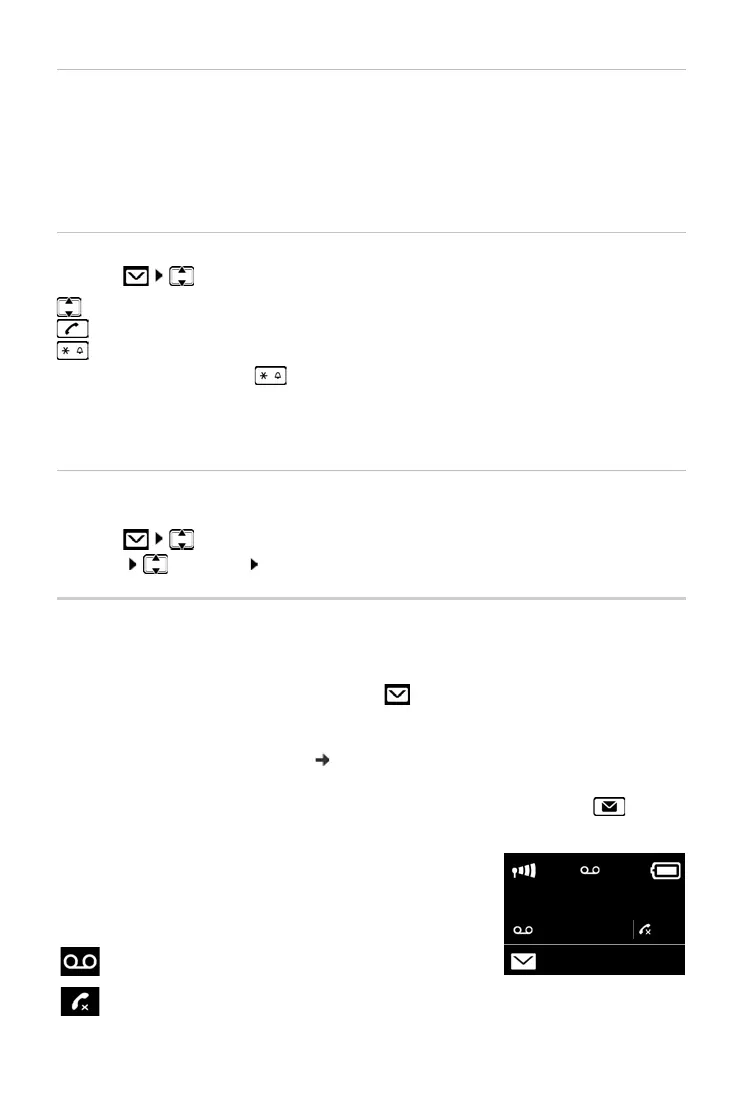
Icons for message types and the number of new messages are
shown on the idle display. The number of new entries is
displayed beside the corresponding icon.
¤ Delete Entry Delete selected entry.
¤ Copy to Directory Copy the caller's number to the directory.
¤ Show Number Display caller's phone number.
¤ Delete List Delete all entries in the list.
Select an entry.
Press the talk key. The number is dialled.
Change the number presentation of the stored call.
¤ Press the Star key , until the desired format is displayed
• Local call (7-digit number)
• Local call in multiple codes area (10-digit number)
• Long distance call (11-digit number)
Icon New message...
... in answer machine list or on the network mailbox
... in the list of Missed Calls



 To Next Page