Gigaset E560A / LUG US en / A31008-M2728-R301-1-7619 / applications_LUG.fm / 1/21/19
Template Module, Version 1.2, 11.09.2018
One touch call
39
en fr es
Activating and setting the baby monitor
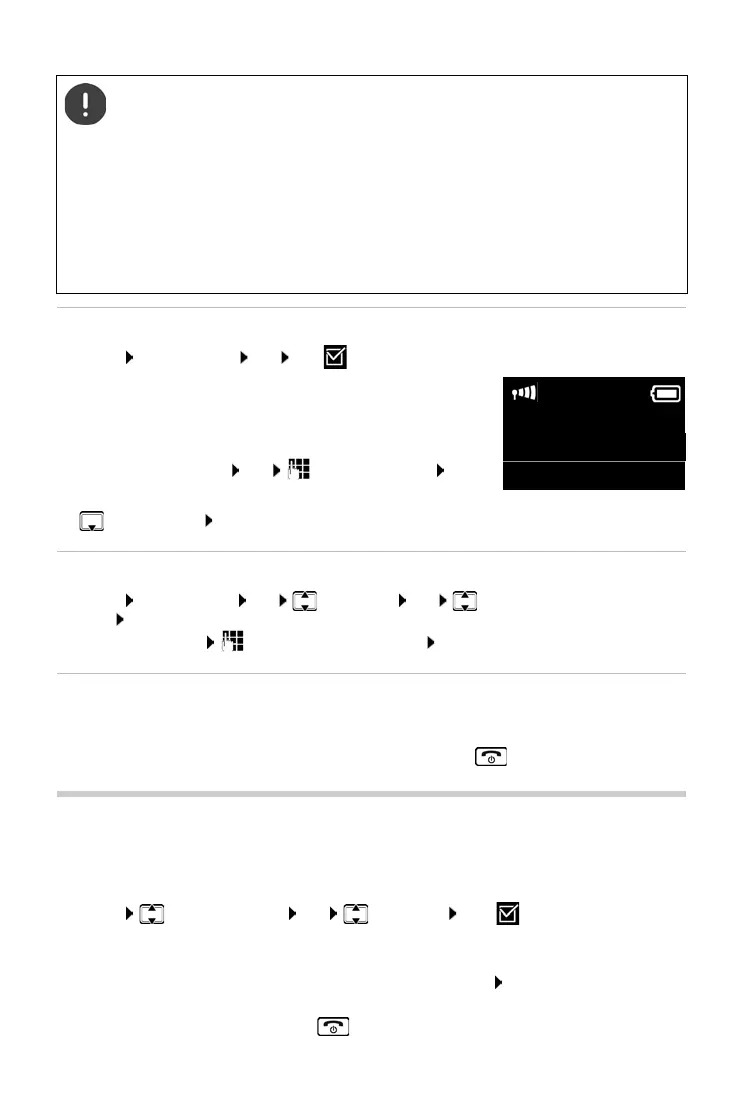
¤ Menu Baby Monitor OK OK ( = baby monitor activated)
If a destination number has already been entered, the baby
monitor is activated with this. The display shows Baby Monitor :
and the specified destination number
If a destination number has not yet been entered:
Activate an External call: OK Enter the number OK
or activate an internal call:
¤ Internal calls OK . . . the baby monitor is triggered on all registered handsets
Changing the destination number
¤ Menu Baby Monitor OK Call Target OK select External call or Internal
calls OK
with External call: Insert destination number OK
Deactivating baby monitor/cancelling alarm
One touch call
You can set up your phone so that you can dial a specific number when you press any key on the
keyboard. This allows children, who are unable to enter a number, to call a certain number, for
example.
¤ Menu One Touch Clock OK Activation OK ( = activated)
If you activate the one touch call, the menu automatically opens up afterwards in order to enter
the destination number.
¤ Call Target: Enter or change the number that you wish to dial. OK
The activated One Touch Call appears on the idle display. The saved number is dialled by
pressing any key. Press the End call key to cancel dialling.
The handset should be positioned 3 to 6 ft away from the baby. The microphone must
point towards the baby.
Activating the function reduces the operating time of your handset. For that reason,
place the handset in the charging cradle if necessary.
The baby monitor is activated 20 seconds after switching on.
The answer machine for the destination number must be switched off.
After switching on:
¤ Test sensitivity.
¤ Test the connection, if the alarm is being forwarded to an external number.
Deactivating the baby monitor:
¤ In idle status press the display key Off
Cancelling the baby monitor alarm:
¤ Press the End call key during an alarm
Baby Monitor :
01230000
Off



 To Next Page