Template Module, Version 1.2, 11.09.2018,
Emergency function
Gigaset E560A / LUG US en / A31008-M2728-R301-1-7619 / SOS_function.fm / 1/21/19
28
en fr es
The emergency function is now set up and is automatically activated.
Your emergency numbers:
Changing the emergency numbers
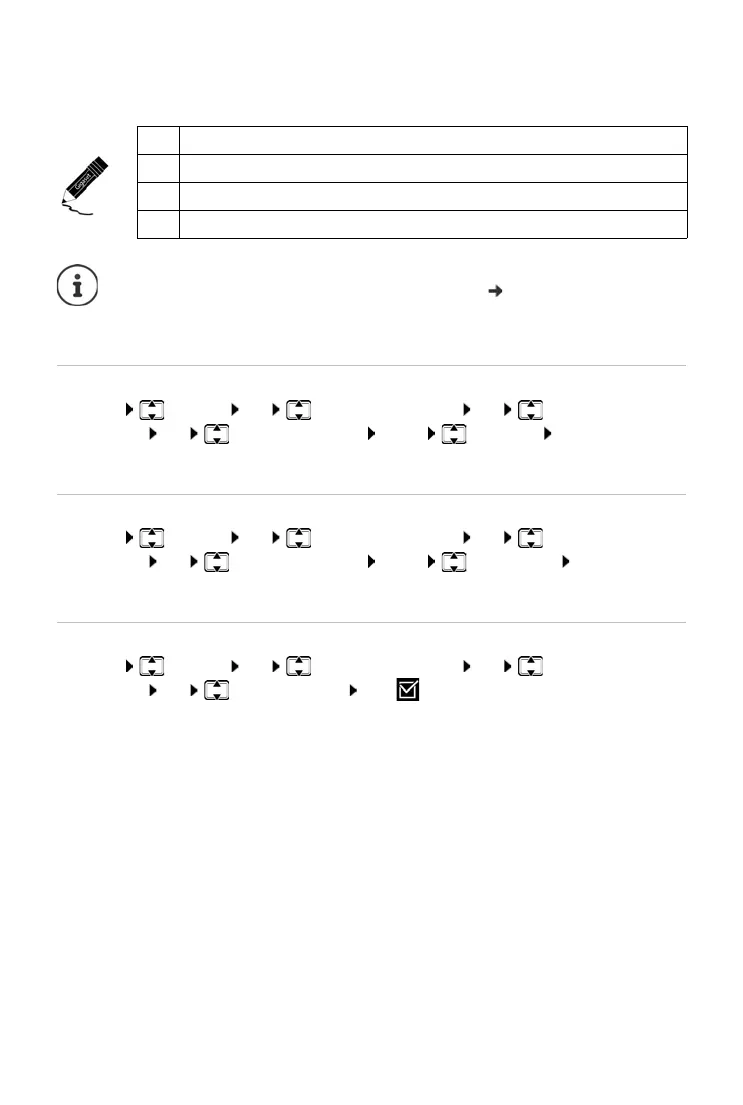
¤ Menu Settings OK Emergency Function OK Emergency
Numbers OK (Select entry 1 to 4) Menu Edit Entry OK
Enter the numbers and names as outlined above.
Deleting emergency numbers
¤ Menu Settings OK Emergency Function OK Emergency
Numbers OK (Select entry 1 to 4) Menu Delete Entry OK
The entry has been deleted.
Activating/deactivating an internal emergency call
¤ Menu Settings OK Emergency Function OK Emergency
Numbers OK Activate INT call OK (=on)
Pressing OK again deactivates the function.
1
2
3
4
• If your telephone is connected to a PABX, you must enter the access code (outside
line code) as the first digit of your entry, if necessary (
user guide of your PABX).
• You should carry out a test run to ensure that the emergency function has been
correctly set up.



 To Next Page