Template Module, Version 2.1, 11.08.2020 / Template Basiseinstellungen: Version X,X - xx.xx.xxxx
Additional functions (apps)
Gigaset GL7 / LUG IE-UK_INT en / A31008-N1199-L101-1-7619 / applications.fm / 7/4/22
40
Video
Use the Video app to record and watch video films. You can edit and share
video films.
Recording videos
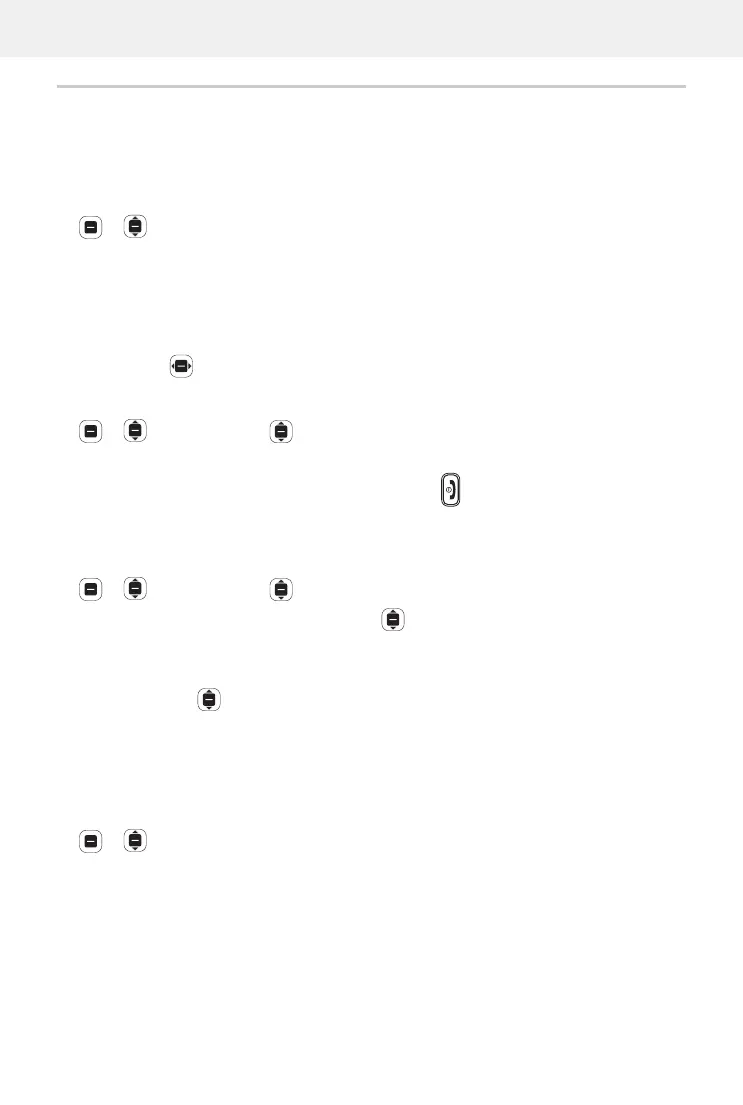
Video OK Camera OK
To start a recording:
OK
To end a recording:
OK
To watch a preview:
Preview OK
Set the camera options:
Options Select Camera settings OK Configure the settings OK
Watching a video
Video OK Select the video Select OK
Full screen display:
Full Screen
End full screen display:
Press the On/Off key
Options
For individual videos
Video OK Select the video Select OK Options
Change the volume:
Volume OK Adjust the volume
Make a video:
Rotate OK
Share a video with others using an app (such as email):
Share OK Select the app OK Enter the contact details as per
the app selected
Send the video
Show file information:
File Info OK
Delete a video:
Clear OK Clear
For multiple videos
Video OK Options Select Multiple OK Select the
videos
OK Options
Delete videos:
Clear Select Clear
Share videos:
Share Select select the app OK



 To Next Page