Template Module, Version 2.1, 11.08.2020 / Template Basiseinstellungen: Version X,X - xx.xx.xxxx
Symbols in the user guide
Gigaset GL7 / LUG IE-UK_INT en / A31008-N1199-L101-1-7619 / user_guide_operating_steps.fm /
6
Symbols in the user guide
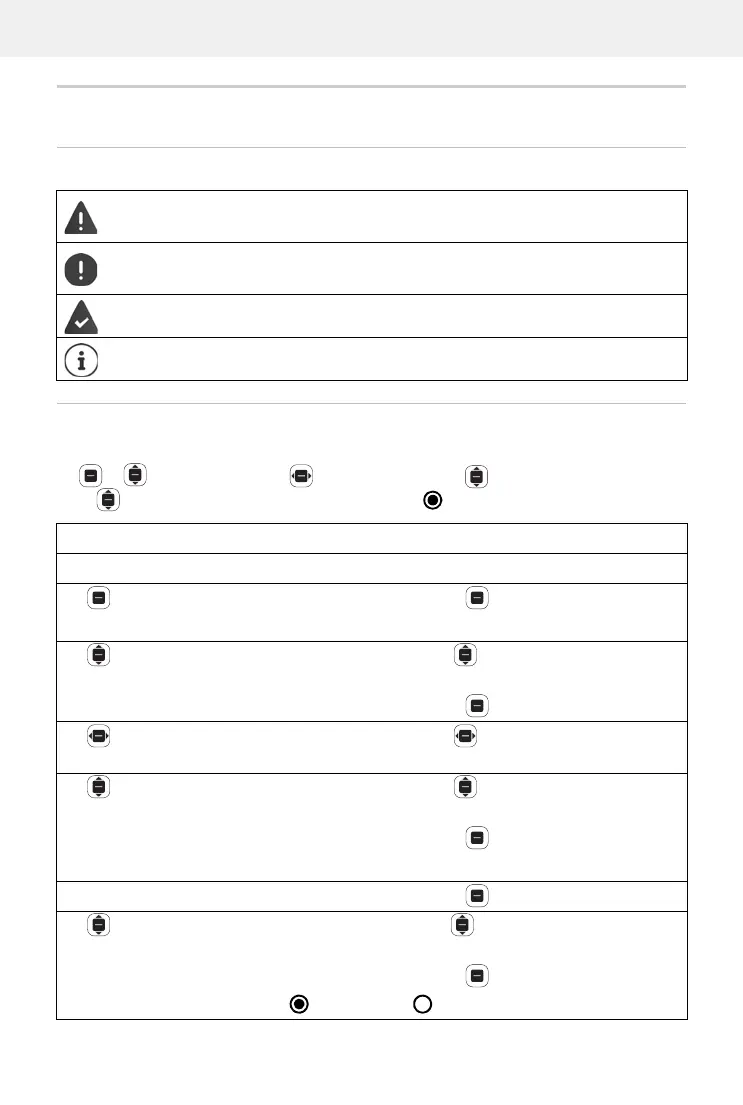
Icons
Procedures
Example: Set the display language
Settings OK Personalisation Language OK OK
Select the language required OK ( = selected)
Warnings which, if not followed, can result in damage to devices or
personal injury.
Information regarding function and appropriate handling or func-
tions that could give rise to costs.
Prerequisite for carrying out the following action.
Additional helpful information.
Step Actions required
Every arrow initiates an action.
Press the Control key in the middle.
The main menu opens.
Settings OK Use the Control key to scroll up or down to
menu entry Settings.
Press the Control key .
Personalisation Use the Control key to scroll left or right to
menu Personalisation.
Language OK Use the Control key to scroll up or down to
menu entry Language.
Press the Control key .
The language set is displayed.
OK Press the Control key .
Select the
language required
OK
Use the Control key up or down to select the
language required.
Press the Control key .
= Selected, = Not selected



 To Next Page