Template Module, Version 2.1, 11.08.2020 / Template Basiseinstellungen: Version X,X - xx.xx.xxxx
Settings
Gigaset GL7 / LUG IE-UK_INT en / A31008-N1199-L101-1-7619 / settings.fm / 7/4/22
68
Battery management
Showing the current charge level
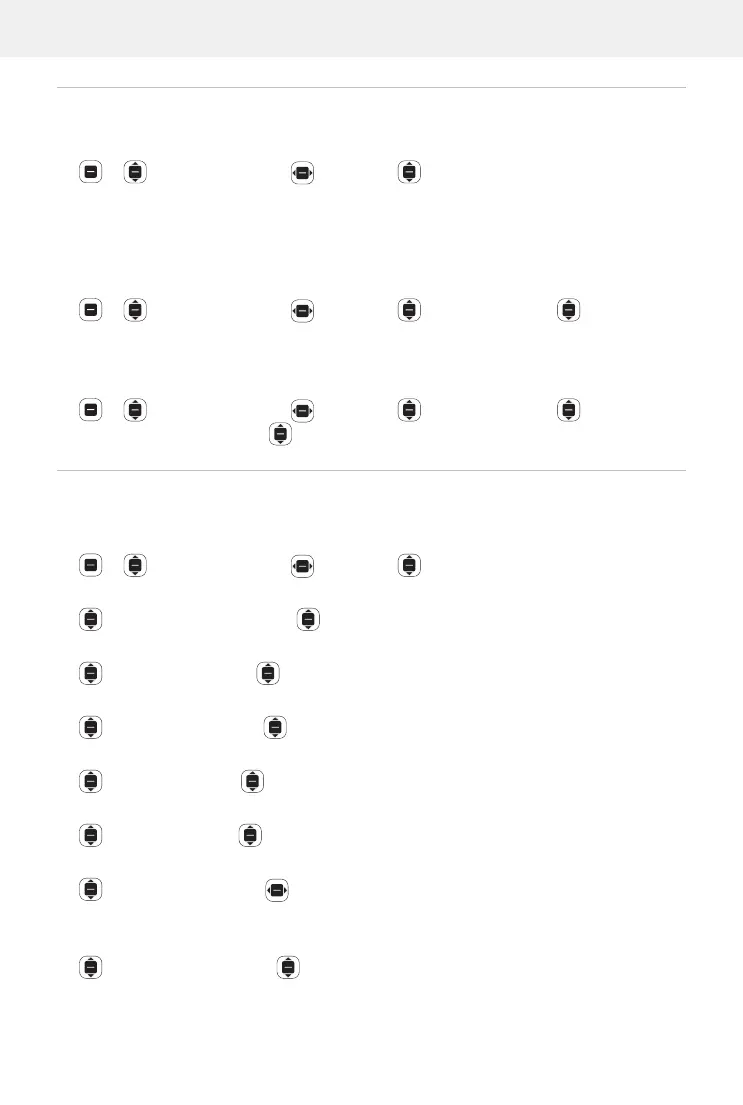
Settings OK Device Battery OK
Enabling/disabling Power Saving Mode.
When Power save mode is enabled, automatic data transfer is prevented (e.g.
the transfer of data via Bluetooth and the receipt of messages). You can then
run these functions manually if so required.
Settings OK Device Battery OK Power
Saving Mode
OK Enable/disable Power save mode OK
Enable Power save mode automatically once the battery has reached a lower
ca
pacity threshold:
Settings OK Device Battery OK Turn On
Automatically
OK Select a capacity threshold OK
Use of the phone by those with impairments
Those with impaired sight or hearing are able to adjust the visual, acoustic
and haptic feedback of the phone.
Settings OK Device Accessibility OK
Invert Colours:
Invert Colours OK Select On / Off OK
Turn on/off the background light:
Backlight OK Select On / Off OK
Show text bigger:
Large Text OK Select On / Off OK
Give images subtitles:
caption OK Select On / Off OK
Audio playback in mono audio:
Mono Audio Select On / Off OK
For stereo playback, adjust the left or right channel to be louder:
Volume Balance Move the volume balance to the left (L) or right
(R)
Enable/disable keypad vibration:
Keypad Vibration Select On / Off OK



 To Next Page