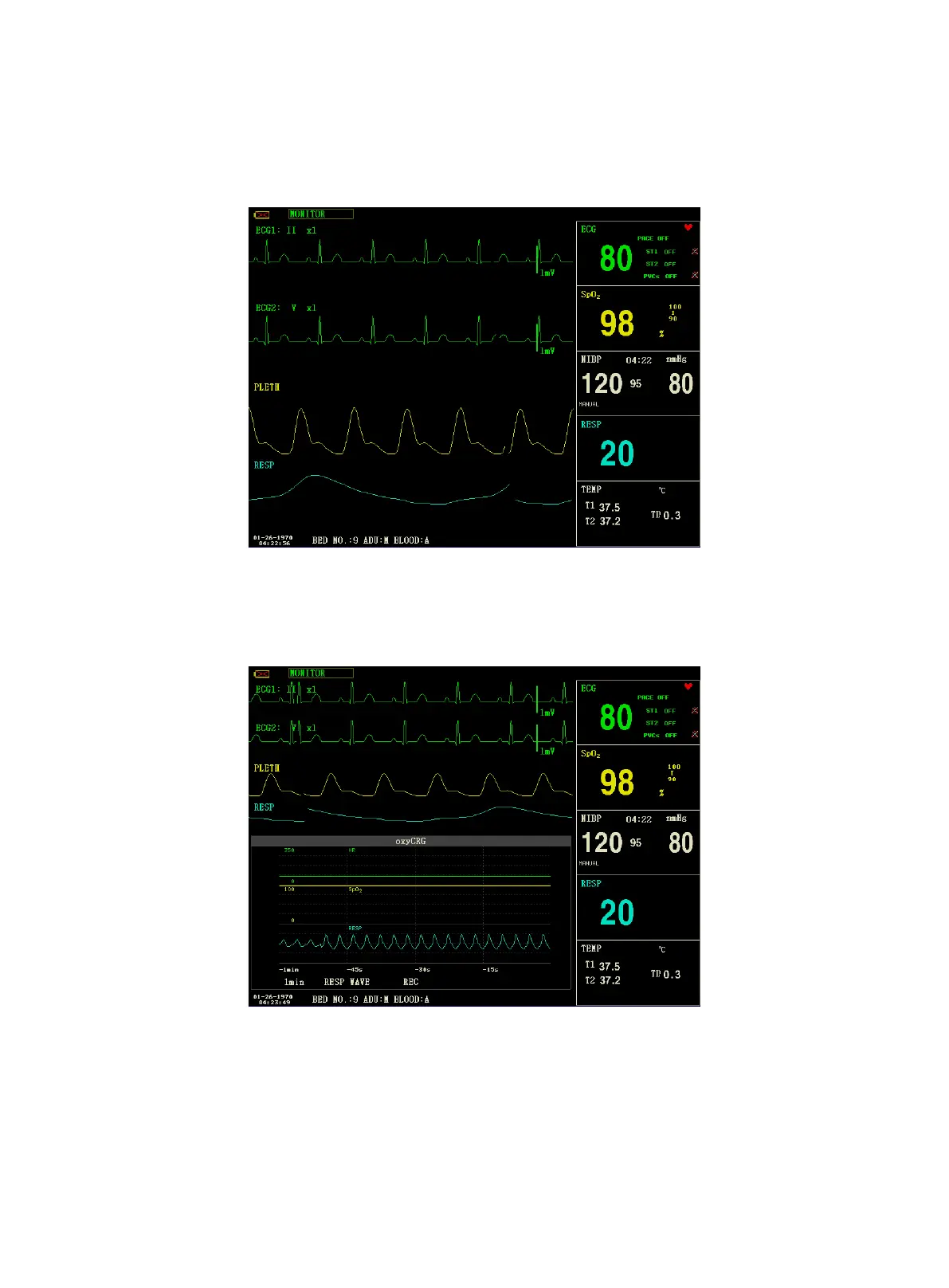
1. STAND SCREEN
The "STAND SCREEN" is the default setting. If the current screen is not the standard screen, you may enter the
standard screen by selecting "STANDARD SCREEN" and then selecting "EXIT" in FACE SELECT menu.
Stand Screen
2. OxyCRG SCREEN
If you want to enter the following interface, select "OxyCRG SCREEN" and then select "EXIT" in "FACE SELECT"
menu.
OxyCRG Screen
OxyCRG screen is located at the lower part of the waveform area, consisting of the HR trend, the SpO
2
trend, and the
RR (respiration rate) trend or the compressed RESP waveform. Below the RR trend or the compressed RESP waveform
is the scale of the trend time. In addition, three labels are displayed beneath the time scale. The labels are detailed as
below.



 To Next Page