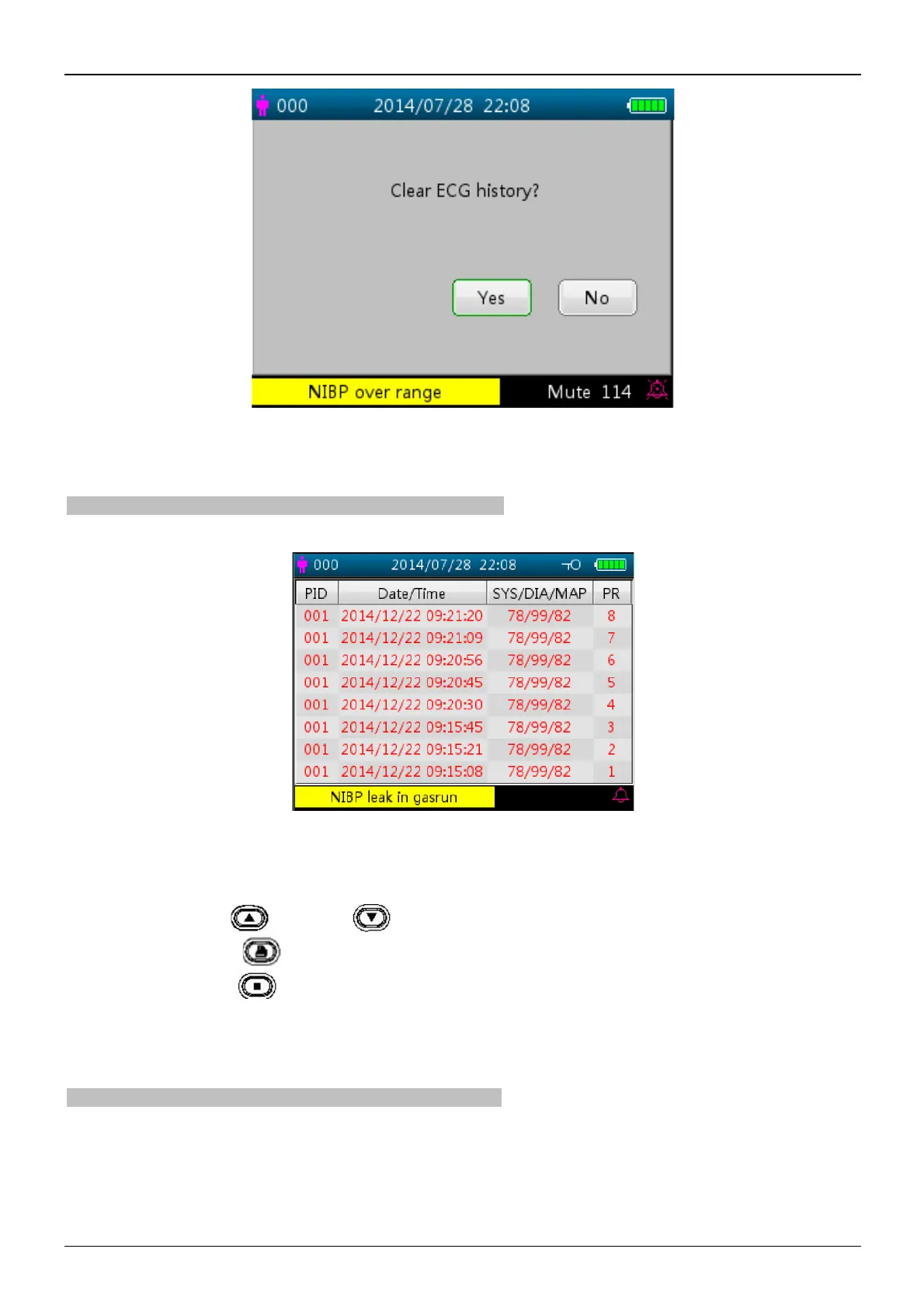
Figure 4.5 Delete ECG history
4.5 NIBP List Screen (Optional)
Note: the screen below is only for the monitor with NIBP function.
The NIBP List screen is as shown in Figure 4.6.
Figure 4.6 NIBP List
In this screen, the first column is the patient ID, the second column is NIBP recording time, the third column is NIBP
value, and the fourth column is pulse rate (measured by NIBP module).
Operating instruction:
Ø Short press the Up " " or Down " " key to turn to previous or next page for view other NIBP records.
Ø Short press the Print " " key to print the current NIBP list.
Ø Long press the OK " " key to bring up a dialogue for deleting data records where the user can choose to delete
all NIBP data records.
4.6 SpO
2
Data List Screen (Optional)
Note: the screen below is only for the monitor with SpO
2
function.
SpO
2
data list screen is as shown in Figure 4.7.



 To Next Page