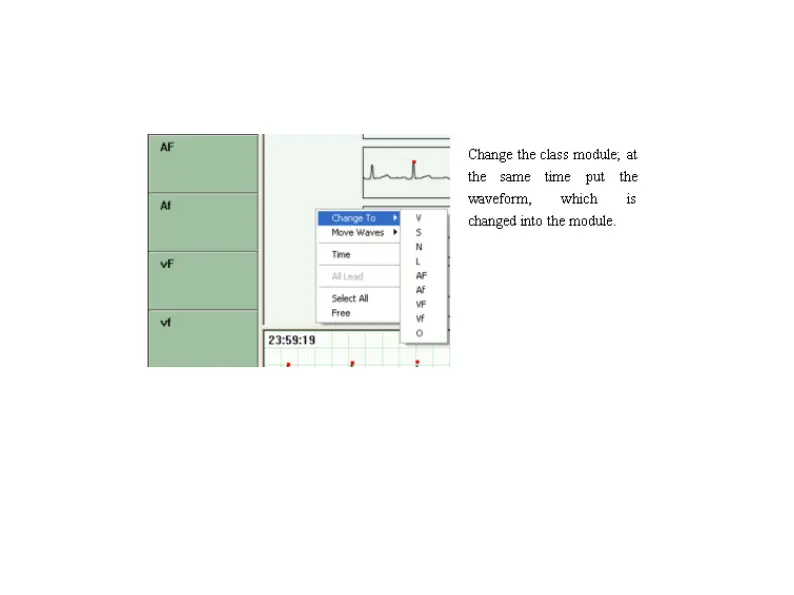
Right button editor menu
Click the right button of mouse, and then an editor menu will be opened.
Shortcut key
"V", "S", "N", "L" are the shortcut key to put the chosen wave into that class.
"Page up", "Page down", "home", "end", "^", "v" mean page up, page down, to the beginning of
the page, to the end of the page, up and down.



 To Next Page