Adjust the position of baseline: set the mouse cursor about the line you want to adjust, click the
left key of mouse, this line will move to the position of the mouse cursor.
Click "OK" after adjusting well, the software will operate all beats ST analysis, and display the
analyzing result in the myocardium ischemia table.
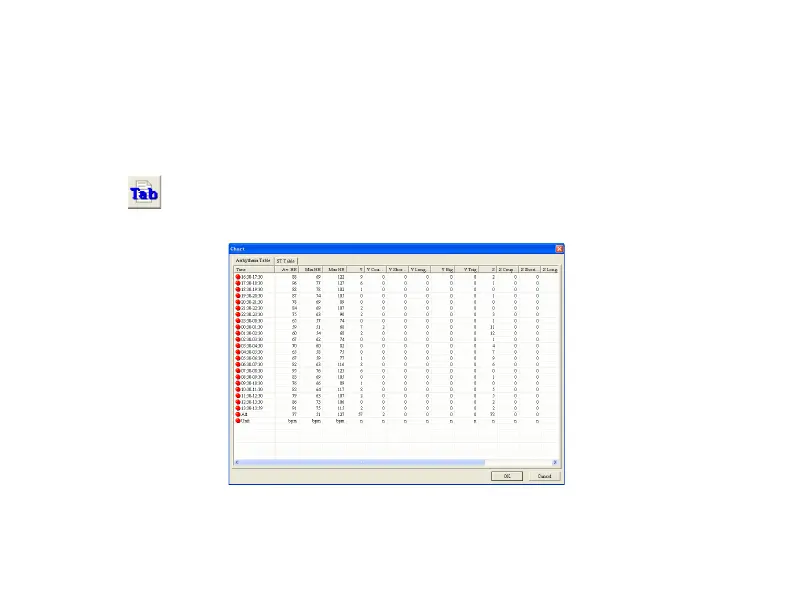
Click
button, display the Arrhythmia Table.
Arrhythmia Table: display the arrhythmia statistic for every hour, as Fig.6-21.
Fig.6-21



 To Next Page