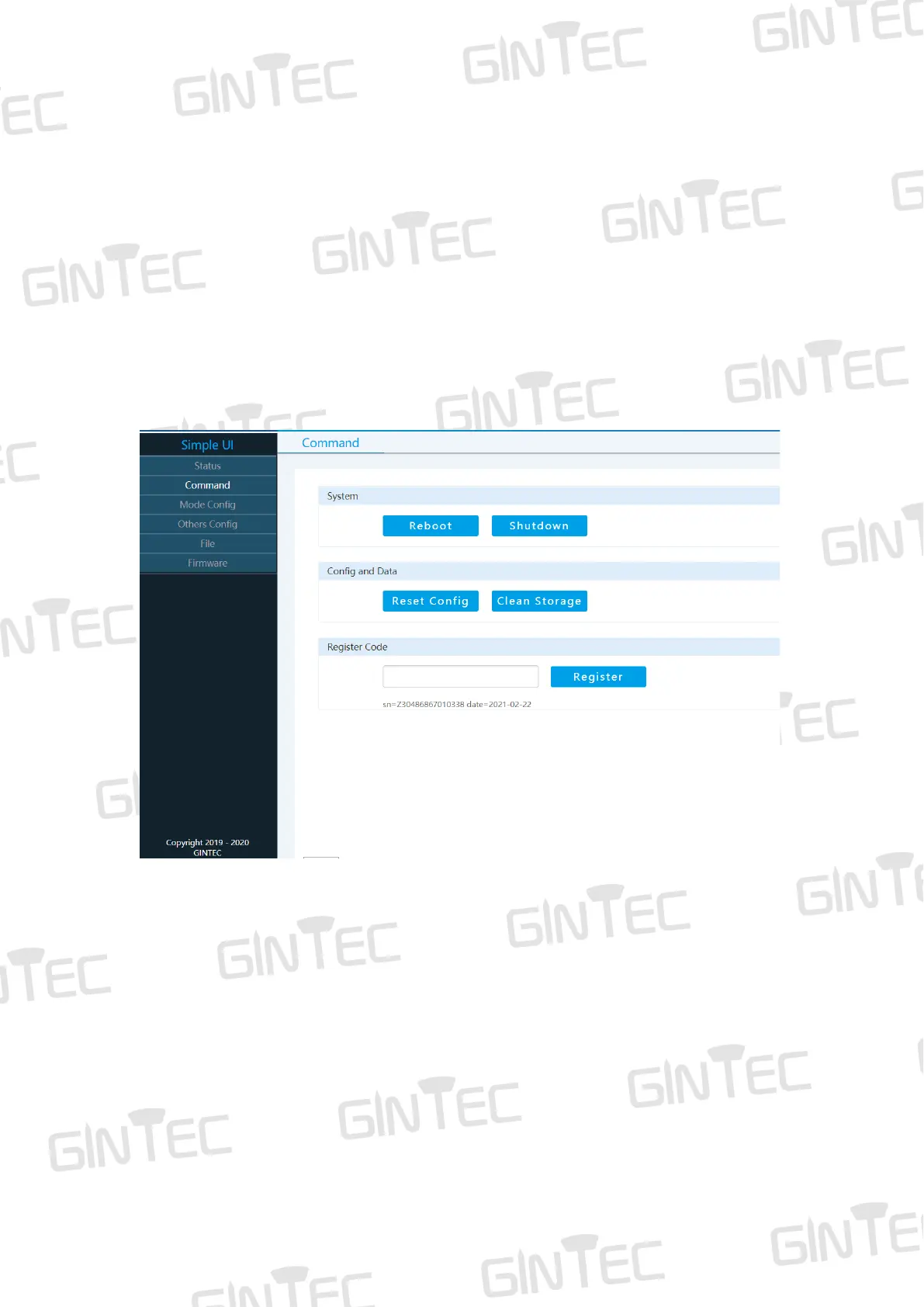
The WEB UI includes Status, Command, Mode Config, Others Config, File and
Firmware.
5.2 Status
In “Status”, you can see current work status of receiver and some basic information.
Including Device Info, Mode and GNSS Info. (As shown in Figure 5-1)
5.3 Command
In “Command” you can reboot/shutdown G20M, reset config (Reset factory settings),
clean storage and Register code.
Figure 5-2
5.4 Mode Config
In “Mode Config” you can set working mode.
In “Working Mode”, you can select different work modes: Rover Mode, Base Mode or
Static Mode. In different mode, you can define different configuration.



 To Next Page