C: Reset button
D: USB port
E: SIM card slot
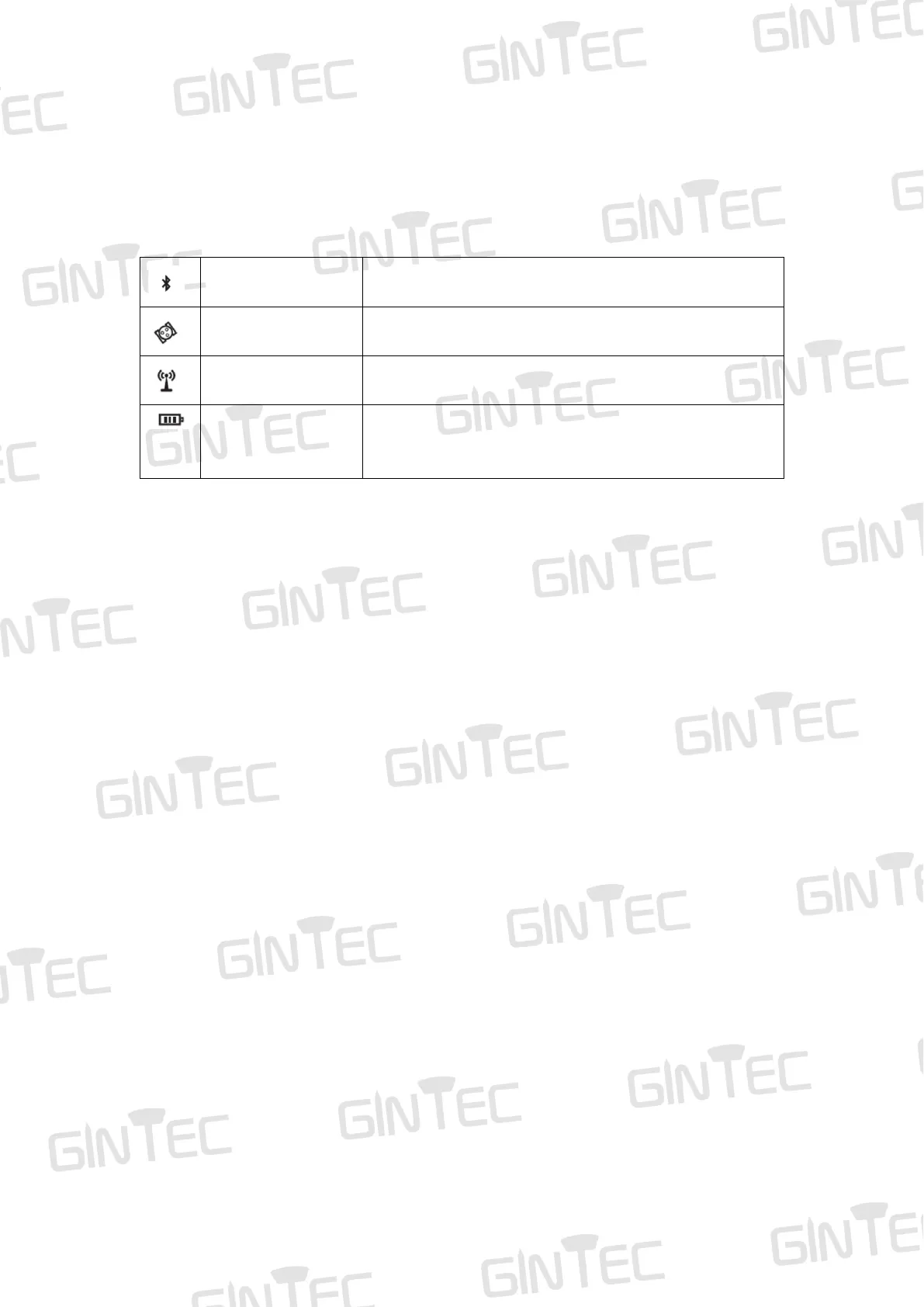
The indicator status: light or blink. It represents different status of the RTK equipment:
Light on when device has been connected via
Bluetooth.
Blink when normally receive satellites signals.
Blink when differential data is received.
Red light on when device is charging; Green light on
when fully charging. Red light blinks when device is
2.2 Basic Operation
2.2.1 Turn on/off
Turn on
This is the very first step to use G20M. When the receiver has power, keep pressing
power button for 3 seconds, then you will see the power button light up and hear beep.
Turn off
Keep pressing power button for 3 seconds, then you will hear beep voice and the device
will be turned off.
If the device crash down, press Reset button to force it to turn off.
2.2.2 Charging
Red light on when device is charging. Green light on when fully charging.
G20M supports MTK PE1.1/2.0 and PD protocol fast charging. Choose the fast-
charging adapter to charge it can greatly shorten charging time.



 To Next Page