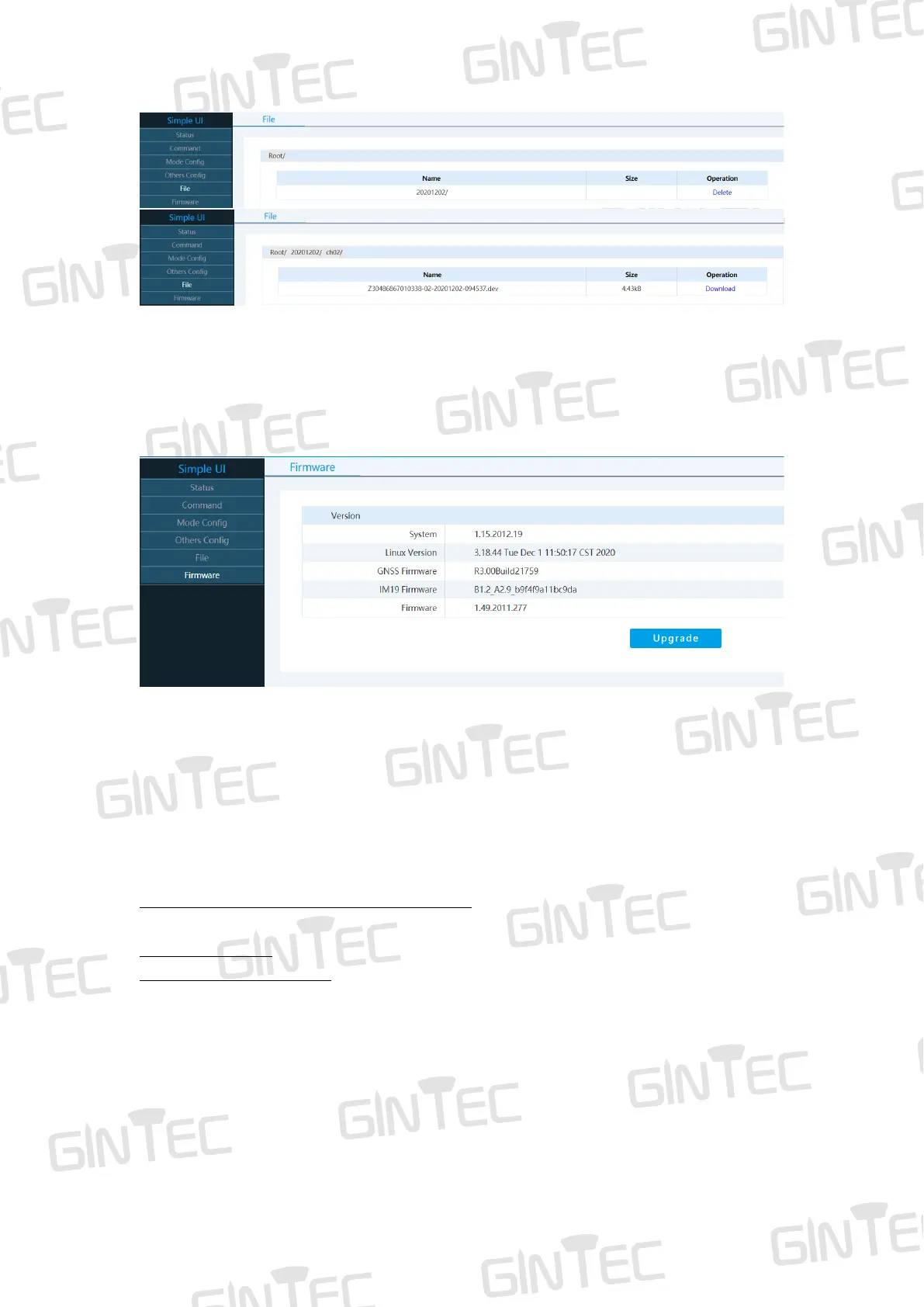
Figure 5-5
5.7 Firmware
In “Firmware”, you can find the current G20M Version installed and upgrade firmware.
Figure 5-6
6 Frequently Use Functions
6.1 Device registration
The register code is 16 numbers and letters. For example:
G20M034804060, A7EC-AC8B-B904-94F5
G20M034804060 is serial number
A7EC-AC8B-B904-94F5 is register code, when you register, there are two ways: via
WEB UI or via Controller. Detailed steps are as follow:
(1) Register via WEB UI
After connecting the Wi-Fi, input IP “192.168.10.1” into your web browser. Then you
can see page as show in Figure 6-1. Click “Command”, you can find “Register Code”.
Input your registration code, then click “Register”. The receiver will be registered.



 To Next Page