13
OPERATION
To install light bulb:
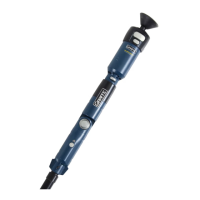
Press grip/release button on Sure-Grip™ to active suc-
tion. You will hear a low-pitched buzzing sound.
(Figure 14)
Gently push the light bulb head against the center of
the Sure-Grip™ suction head until you hear a high-
pitched buzzing sound. This means the Sure-Grip™
has successfully attached onto the light bulb.
NOTE: Make sure suction head is completely attached
to light bulb by gently pulling bulb. If suction head releas-
es, the Sure-Grip™ has not attached onto the light bulb.
Raise light bulb to light socket.
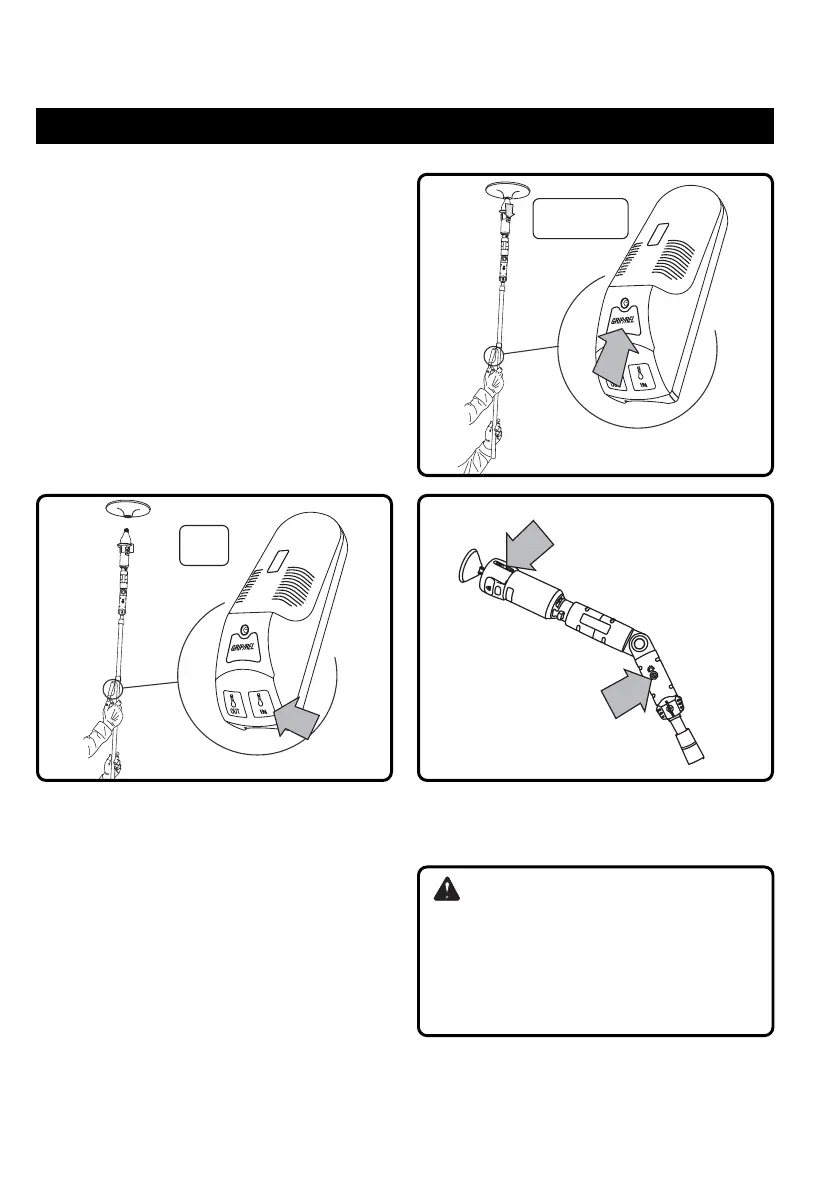
Press and hold the IN button on remote control. The
motor drive will begin to screw the light bulb into the
light socket. (Figure 15)
Release remote control IN button once light bulb is
completely screwed into socket.
Press grip/release button on remote control for approx-
imately three seconds until suction is deactivated. The
Sure-Grip™ system will release the bulb. (Figure 16)
NOTE: Make sure light bulb is completely screwed into
light socket and secured before pressing remote control
grip/release button.
Slide the ON/OFF switch on the Sure-Grip™ system to
the OFF (O) position and push power button on motor
drive to turn off until next use. (Figure 17)
Fig. 15 Fig. 17
Fig. 16
WARNING:
If the Sure-Grip™ system fails to release the bulb, DO
NOT pull on the bulb. Press the grip/release button
on the remote control to activate the suction. Next,
follow the Remove Light Bulb procedures to remove
the bulb from the suction head. Reinstall the light
bulb one more time. If it still fails to release, remove
the bulb and change the battery in the suction head.
Giraffe_SureGrip_OPManualFINAL.qxd 8/8/2006 6:49 PM Page 13


 To Next Page