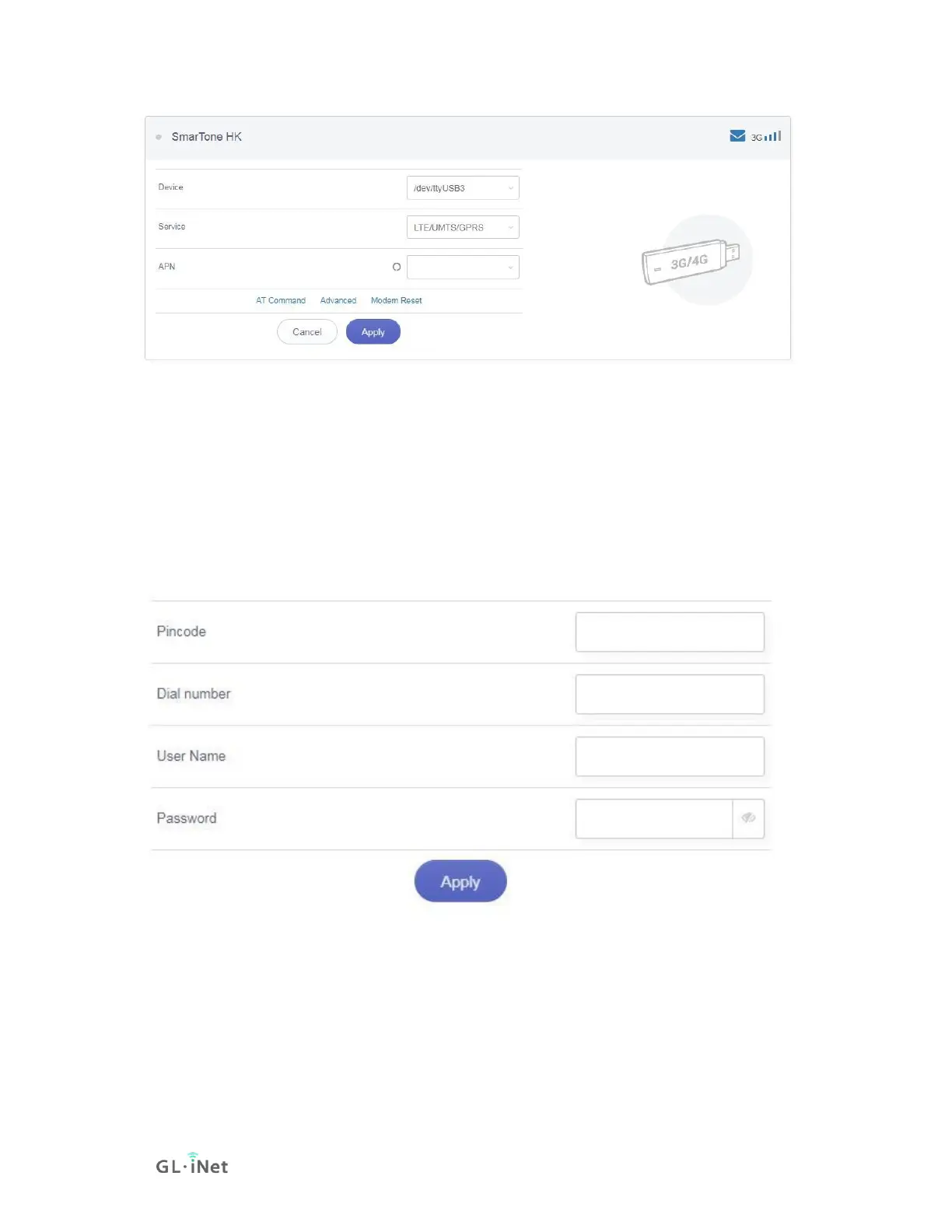
Advanced Settings:
• Dial Number: Generally, it is a default value and you don't need to set it
manually. However, if you have this info, please input it.
• Pincode, Username and Password: Generally, these are not necessary for
an unlocked SIM card. However, if you have a locked SIM card, please
consult your service provider.
It is connected when the IP address of your SIM card shows up.



 To Next Page