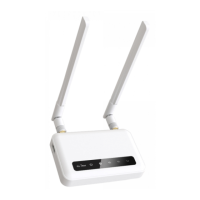
Then please choose System > LED Configuration.
10.2. Repair or Reset
How to Repair / Reset
All GL.iNet Routers have reset buttons, you can use them to repair your network
or reset your routers to factory defult. If you can neither access the web-based
setup page nor the router, you can press the reset button:
Repair
Press and hold for 4 seconds then release to repair your network.



 To Next Page