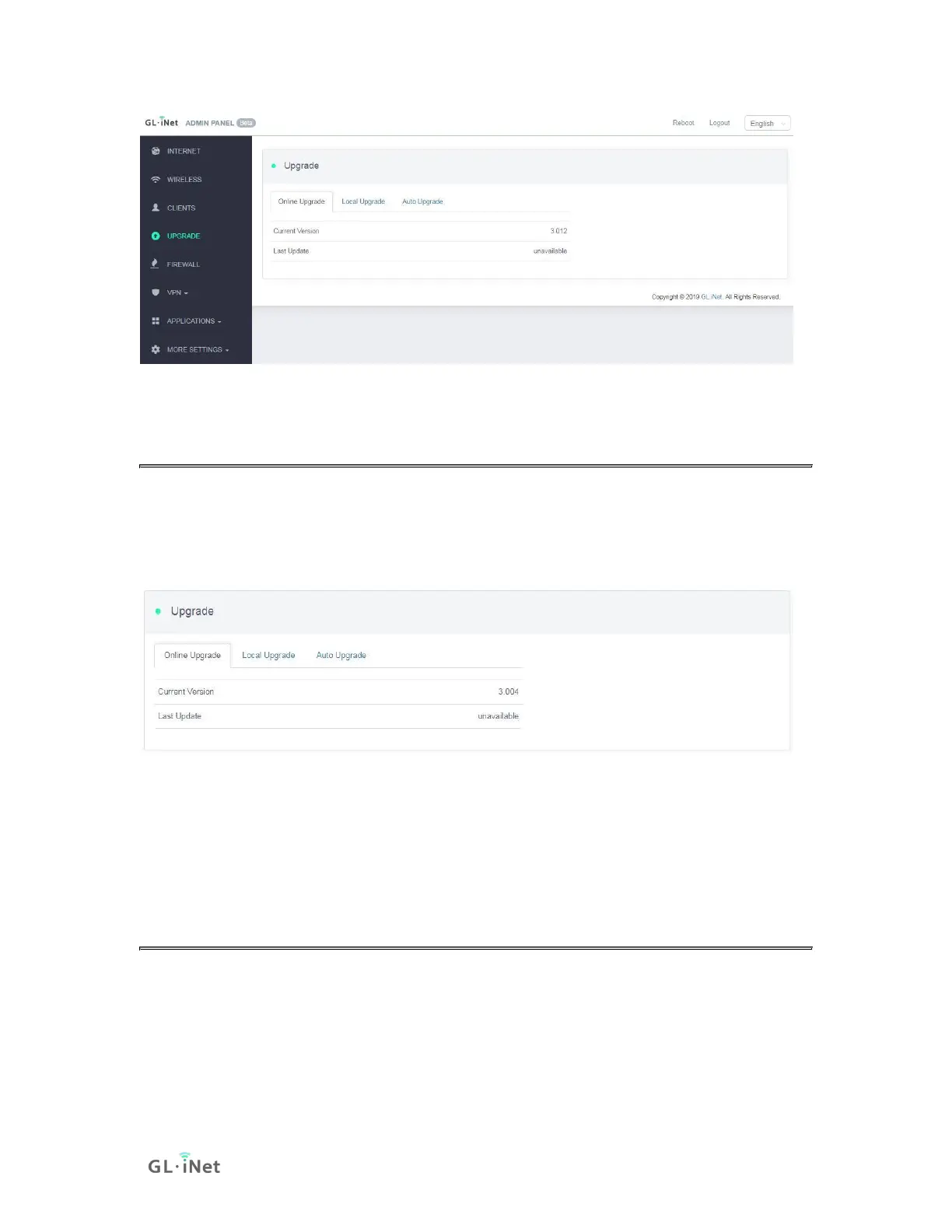
5.1 Online Upgrade
You can find the current firmware version here. If your router is connected to the
Internet, it will check for the newer firmware version available for download.
Note: It is suggested to uncheck Keep setting. If you keep the settings and
encounter problems after the upgrade, please reset the router.
5.2 Upload Firmware
Click Local Upgrade to upload a firmware file to the router. Simply drag and drop
your firmware file to the area indicated.



 To Next Page