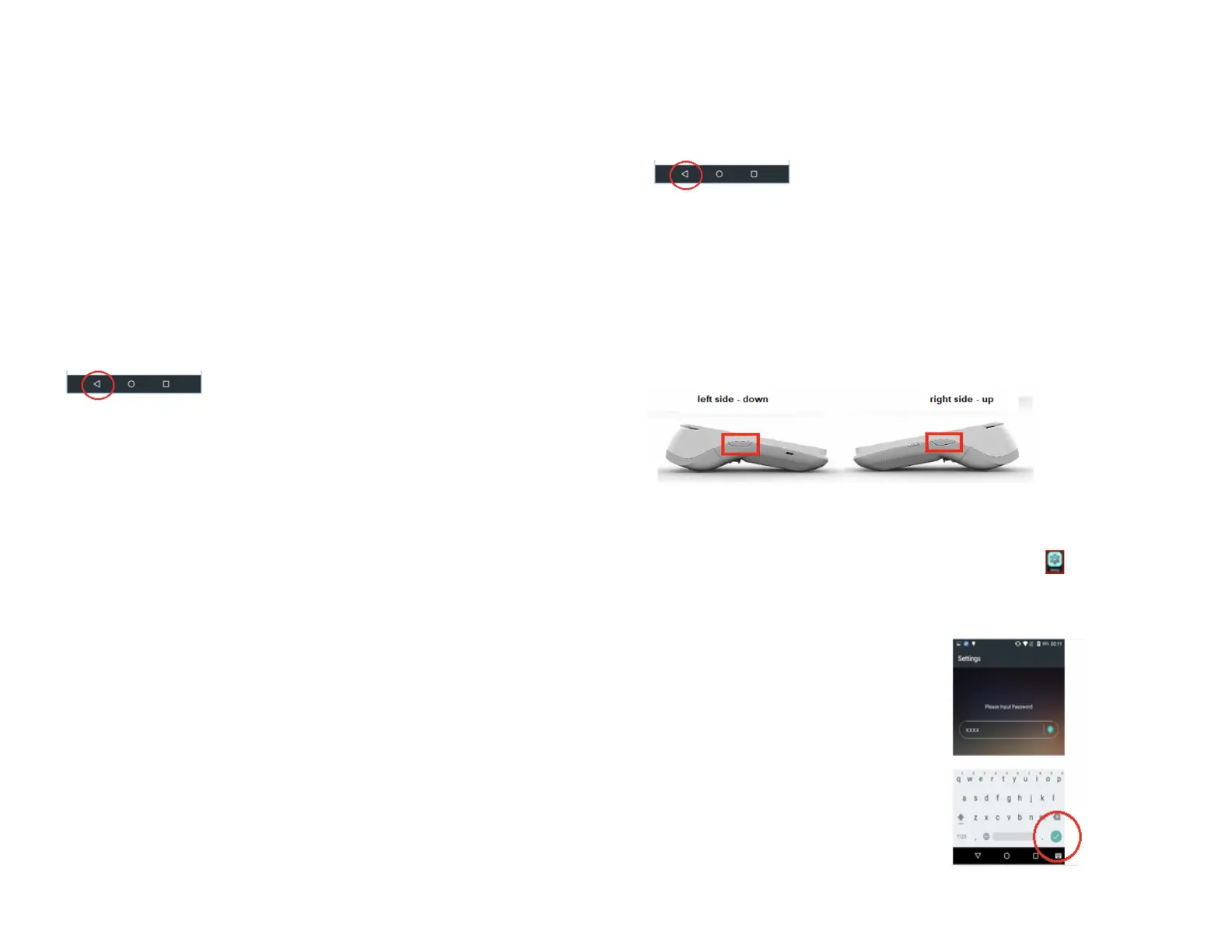
3. Enter your password and tap Enter.
4. Tap on Add Operator.
5. Enter Operator Name.
6. Enter Operator ID.
7. Tap Confirm.
8. Terminal displays Add Operator Successfully Continue to Add?
9. Tap on OK to add another Operator, or tap Cancel to return to the
Operator menu.
10. Tap the back icon to return to the Main Menu screen.
Changing the terminal
language (display and
printing)
1. At the Main Menu screen, tap on FUNC.
2. Tap on the Settings icon.
3. Enter your password and tap Enter.
4. Tap on System Settings.
5. Scroll down and tap on Language for Display.
6. Tap on either English or French.
7. Tap on Language for Printing.
8. Tap on either English or French.
9. Tap the Back icon twice to return to the Main Menu screen.
Adjust the volume
There are two options for adjusting the volume.
First option: press the volume button.
Second option: select the volume icon from the Android Home screen.
1. At the Android Home screen, tap the Settings icon.
2. Key in your password.
3. Tap the green checkmark button.


 To Next Page