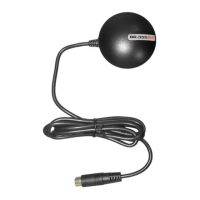
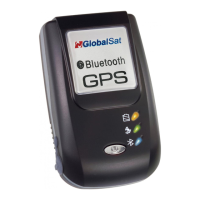
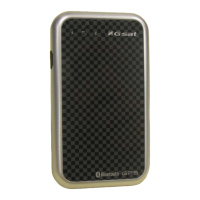
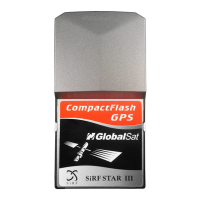
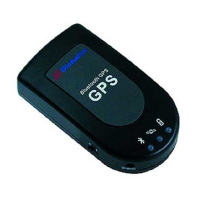
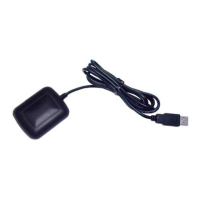
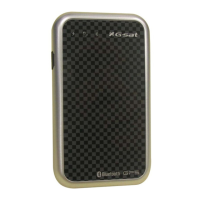
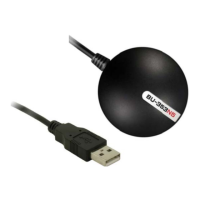
and test utility forWIN and Mac O/S
please refer to the Mac directory on the included CD
ownload Mac driver and Installation Guide
requires a Windows, or Macintosh laptop computer, with a CD
ROM*, USB port, and NMEA compatible navigation software. The 3
software may have its own system requirements, please check with softwa
ROM is required for USB driver installation and access to the User’s Guide. If no CD
files can be downloaded from the Internet at
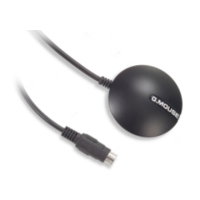
navigation by using your laptop for graphical plotting and positioning of your route. Simply load the GPS driver, plug
receiver into your computer’s USB port and install your own personal mapping software to begin to view
timein relation to the surrounding streets in your travel area.
You’ll find that almost any NMEA compliant mapping/charting sof
tware will be compatible with
sitefor recommended mapping programsthat you can use.
http://www.usglobalsat.com/faq_details/Mapchart.asp


 To Next Page