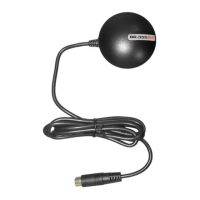
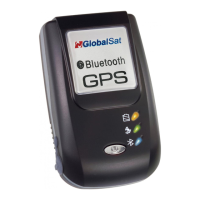
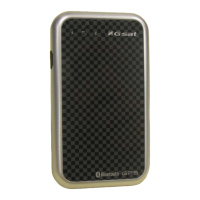
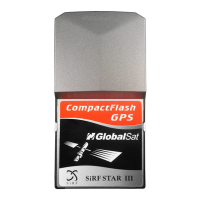
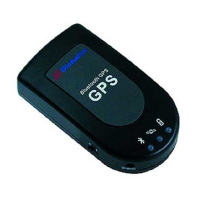
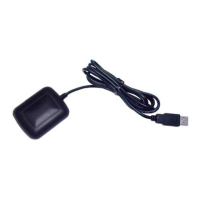
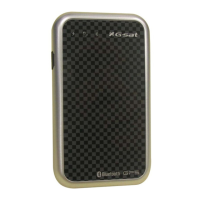
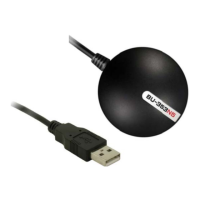
These are only afew simple steps that you need to follow beforeusing your
Install the USB driver and onto your laptop from the included CD
ROM or download the files from our web
in the GPS receiver into your laptop.
From within your mapping, or navigation software (including the supplied GPS Information utility), you will
need to manually configure the selection
of the COM port to what was assigned to the GPS receiver so that proper
communication between the GPS receiver and mapping program can occur. Most all software requires that you
manually configure the COM port setting for any GPS device you use.
You must change the default rate setting of your mapping software to 4800 if this is not
otherwise GPS data cannot be received.
. INSTALLING THE USB DRIVER
Expand the archive file and then run the installation by double clicking on the
Next, a series of installation steps and screens will be provided for completingthe driver installation process.


 To Next Page