weBBoat 4G Plus
64
5. FIRST TIME SETUP
Check that your device (Smartphone or Tablet) is connected to the
“Glomex_weBBoat” Wi-Fi network.
NOTE the weBBoat 4G Plus Wi-Fi network has no password. It is
recommended to change the network name and password after the initial
settings (see page 82 - point 6.2).
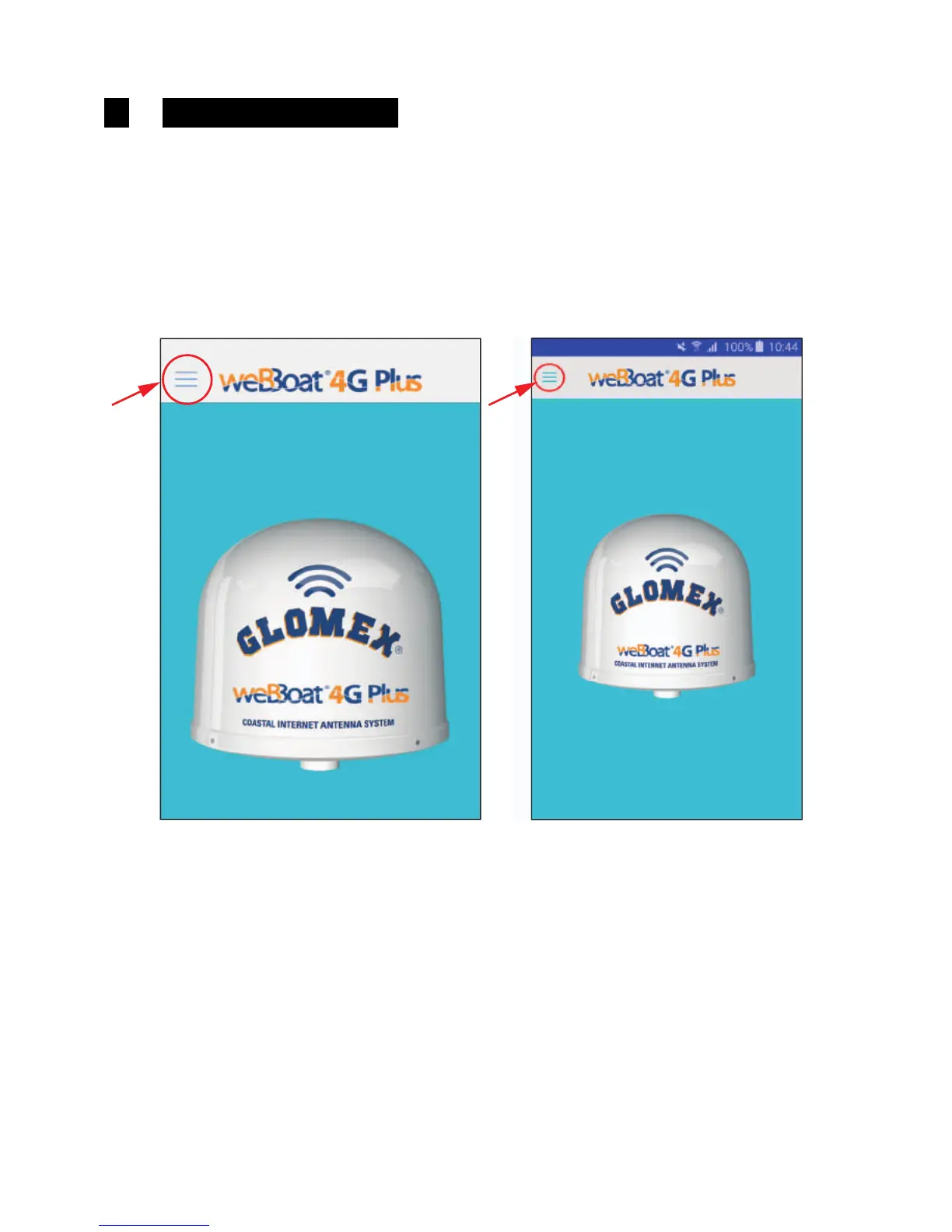
Open the weBBoat 4G Plus App and select the menu button on the top left
(Fig. 15).
GL00239



 To Next Page