weBBoat 4G Plus
69
5.3 SIM 2 CONFIGURATION
Follow the same procedure as SIM 1 Configuration if you have a second SIM.
If a second SIM is not present, continue pressing SKIP.
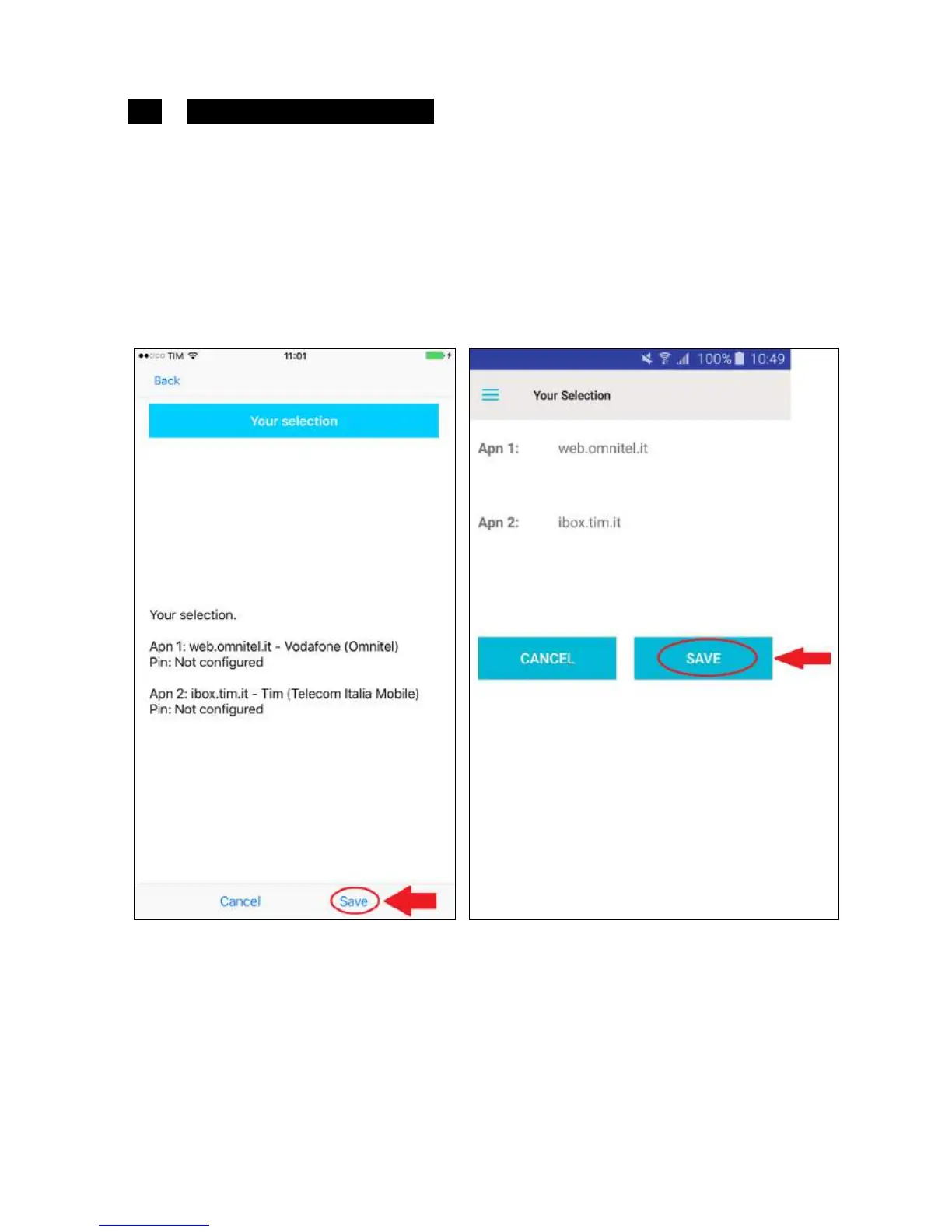
At this point a screen summarizing the choices made will be displayed; now
press Save in the iOS and Android version (Fig. 22).
Wait about 1 minute and check the device settings to make sure it is
connected to the weBBoat 4G Plus Wi-Fi network. Launch the App again and
enter the control panel.



 To Next Page