weBBoat 4G Plus
83
6.3 MANUAL IP CONFIGURATOR
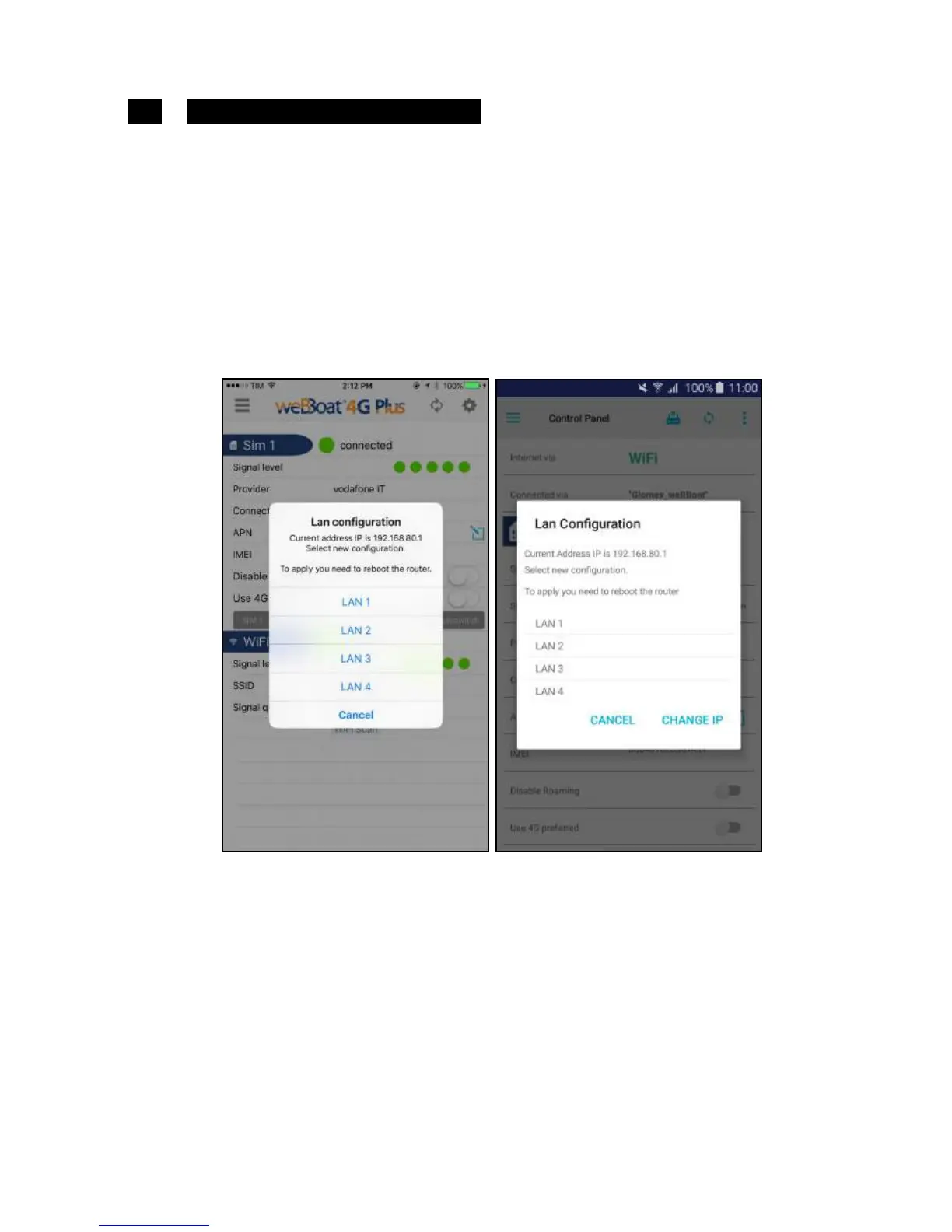
By selecting this option, you are able to change the IP address of the
weBBoat 4G Plus if there are conflicts with other networks.
The factory-set IP address is 192.168.80.1 (Fig. 34).
The options let you configure weBBoat 4G Plus as follows:
LAN 1 = 192.168.1.1
LAN 2 = 192.168.20.1
LAN 3 = 192.168.40.1
LAN 4 = 192.168.60.1
LAN 5 = 192.168.80.1 (not present because it is selected by default)
Select the configuration you want and press OK in the iOS version or CHANGE
IP in the Android version to save the new settings. Now wait about one
minute and reconnect the device to the Wi-Fi network of weBBoat 4G Plus.



 To Next Page