weBBoat 4G Plus
82
6.2 CHANGE ADMINISTRATOR PASSWORD
NOTE: carefully read the warning and press OK.
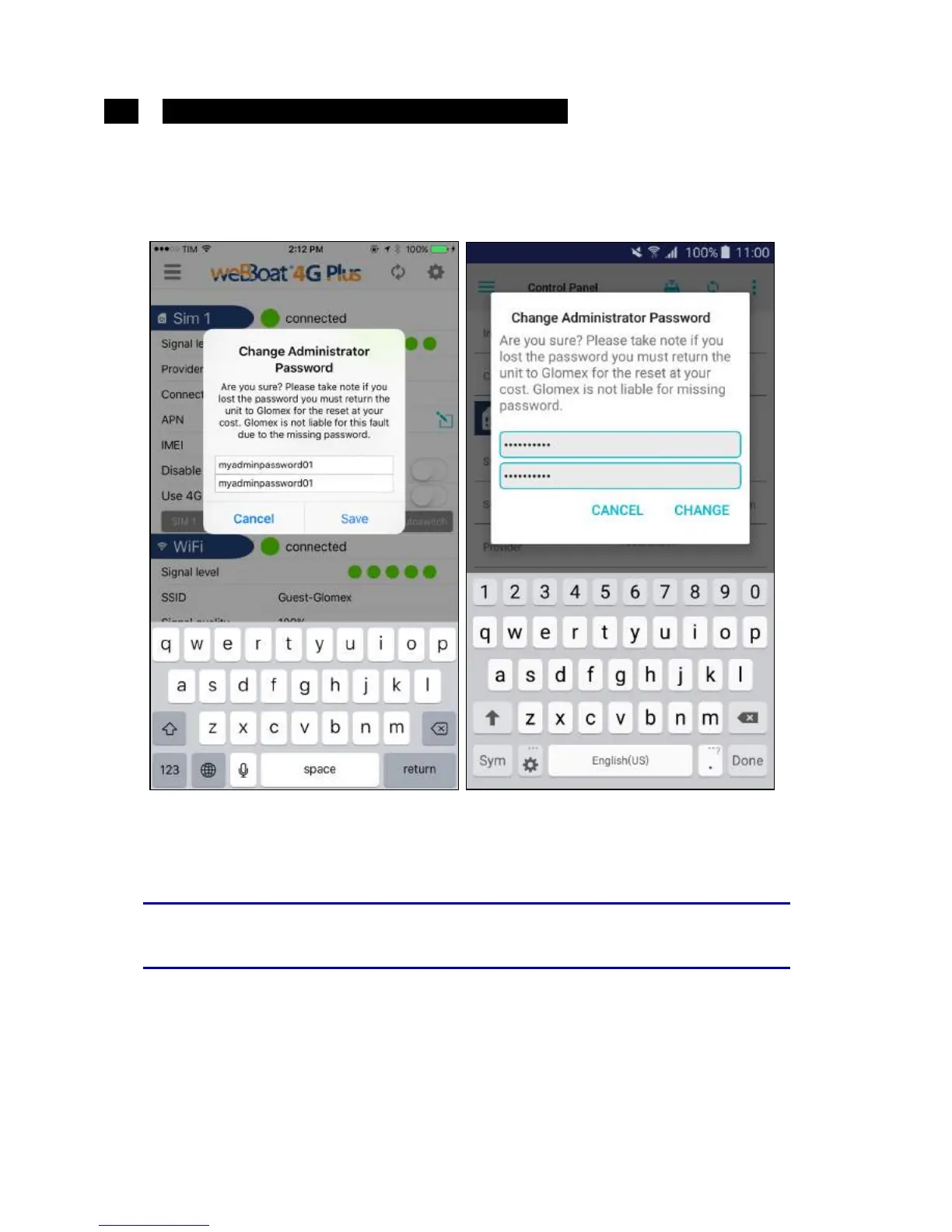
By selecting this option, you can change the administrator password. Enter
the new password in the two text fields and press save (Fig. 33).
S
WARNING
If the administrator password should be lost, a factory reset
of weBBoat 4G Plus will be necessary (see point 6.6).



 To Next Page