18
DOWNLOADING RESULTS ONTO A COMPUTER
You can use the meter with an RS232 cable and the PC Link Pro Software
System to view test results on your personal computer.
You can request the appropriate cable and software by sending an email to
diabetes@homemed.co.za or contact us telephonically on 0861 106 150.
1. Connecting to a personal computer
Connect the cable to an USB port on your computer. With the meter
switched o, connect the other end of the RS232 cable to the meter data
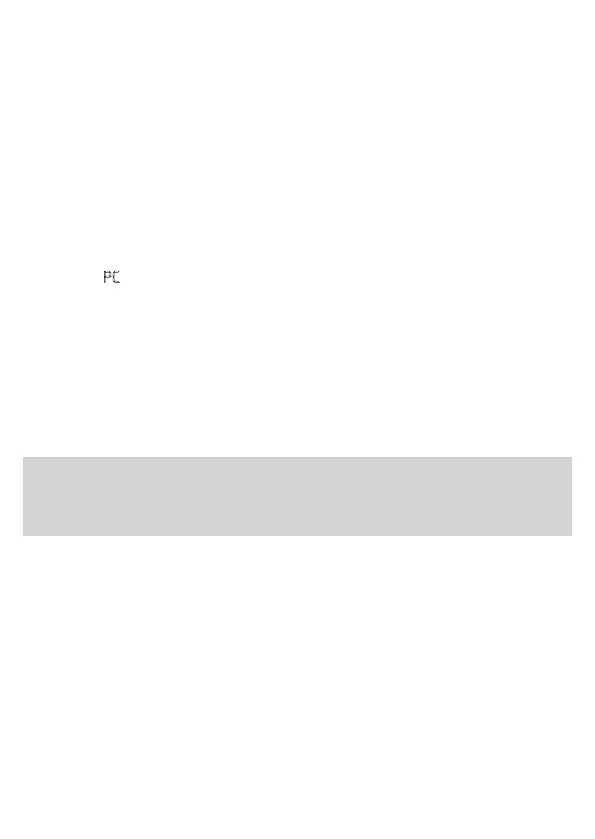
port. “ PC ” will appear on the meter display, indicating that the meter is in
communication mode.
2. Data transmission
To transmit data, follow the instructions provided with the software. Results
will be transmitted with date and time. The meter will automatically switch
o when you disconnect and remove the cable.
WARNING:
• While the meter is connected to the computer, it will be unable to perform a
blood glucose test.


 To Next Page