EasyManua.ls Logo

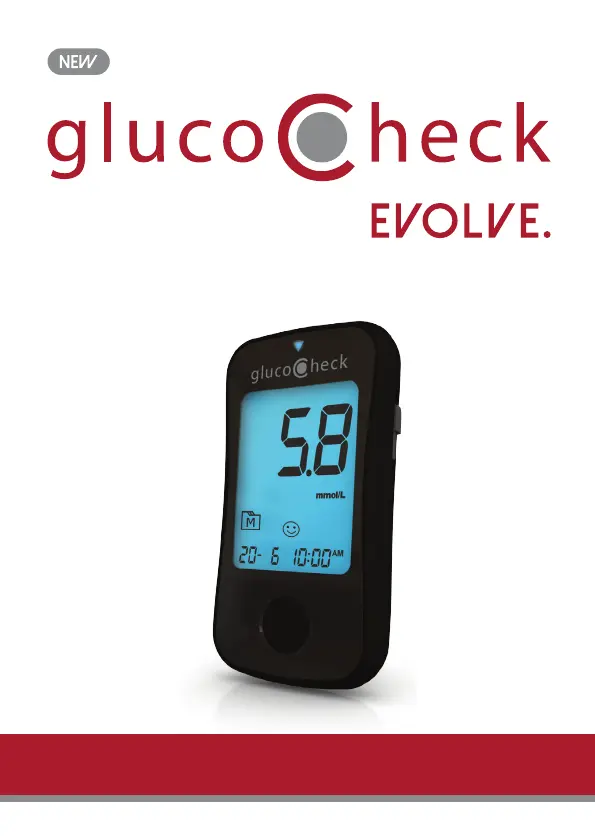
GlucoCheck EVOLVE. - User Manual

GlucoCheck EVOLVE.
36 pages
Print Icon
To Next Page IconTo Next Page
Loading...
OWNER'S MANUAL
Blood glucose monitoring system
GEMM ver 1.0 20170520

Questions and Answers

Summary

BEFORE YOU BEGIN

Important Information

Information on dehydration, illness, blood samples, and measurement units.

Intended Use

System use for diabetes monitoring at home and by professionals, blood sample types.

Meter Overview

Description of meter components and their functions.

Display Screen

Explanation of all icons and indicators on the meter's display screen.

Test Strip

Description of the test strip components and proper insertion.

SETTING THE METER

Entering the Setting Mode

Steps to access and begin meter settings configuration.

Setting the date

Procedure for setting the correct year, month, and day.

Setting the time format

How to select between 12-hour and 24-hour time formats.

Setting the time

Steps to set the correct hour and minute.

Setting the low and high target range for measuring mode

Configuring target glucose ranges for different measuring modes.

Deleting the memory

Option to erase all stored measurement data from the meter.

Setting the reminder alarm

How to configure up to four daily reminder alarms for testing.

THE FOUR MEASURING MODES

General, AC, PC, and QC Modes

Explanation of the four measuring modes and their use cases.

Switching Measuring Modes

Instructions on how to change between General, AC, PC, and QC modes.

BEFORE TESTING

Control Solution Testing

Importance and reasons for performing control solution tests.

Performing a Control Solution Test

Step-by-step guide to conduct a control solution test.

Apply control solution

Visual guide and instructions for applying control solution to the test strip.

Read and compare the result

How to interpret and compare control solution test results with the expected range.

Out-of-range results

Actions to take if control solution test results are outside the expected range.

TESTING WITH A BLOOD SAMPLE

Warning: To reduce the chance of infection

Essential safety warnings regarding lancet usage and hygiene.

Preparing the Lancing Device for Blood Testing

Guidance on preparing the lancing device before use.

Preparing the Puncture Site

Instructions on preparing the skin site for blood sample collection.

Fingertip testing

Specific instructions for performing a blood glucose test on the fingertip.

Blood from sites other than the fingertip

How to perform testing on alternative sites and precautions.

Performing A Blood Glucose Test

Step-by-step guide to conducting a blood glucose test.

Insert the test strip to switch the meter on

Initial step of inserting a test strip to power on the meter.

Select the appropriate measuring mode by pressing M.

How to select the correct measuring mode before testing.

Obtaining a blood sample

Detailed steps for collecting a blood sample of adequate size.

Apply the sample

Correct procedure for applying the blood sample to the test strip.

Read Your Result

How to read and understand the blood glucose measurement result.

Eject the used test strip

How to safely remove and dispose of the used test strip.

Alternative Site Testing

Important

Limitations of AST and the need for professional consultation.

When to use AST?

Guidelines on when AST is appropriate and when finger testing is preferred.

Do NOT use AST if:

Conditions and situations where AST should be avoided.

METER MEMORY

Reviewing Test Results

How to access and view individual stored test results.

Reviewing Blood Glucose Day Average Results

How to view average blood glucose levels over different periods.

DOWNLOADING RESULTS ONTO A COMPUTER

Connecting to a personal computer

Steps to connect the meter to a PC for data transfer.

Data transmission

How to transfer and view test results on the computer.

MAINTENANCE

Batteries

Information about the meter's batteries and low battery indicators.

Replacing the Batteries

Step-by-step instructions for replacing the meter's batteries.

Caring For Your Meter

How to clean, store, and dispose of the blood glucose meter.

Caring for Your Test Strips

Guidelines for proper storage and handling of test strips.

Important Control Solution Information

Key information for using control solutions correctly, including storage and temperature.

SYSTEM TROUBLESHOOTING

Result Readings

Explanation of different result messages and their meaning.

Error Messages

Common error codes displayed by the meter and their solutions.

Troubleshooting

Common issues and their solutions for meter operation.

If the control solution test result is out of range

Troubleshooting steps for control solution tests yielding out-of-range results.

DETAILED INFORMATION

NORMAL PLASMA GLUCOSE RANGE

Recommended blood glucose target values for type 2 diabetic patients based on time of day.

SYMBOL INFORMATION

Common Symbols and Referents

Explanation of various symbols used on the meter and packaging.

SPECIFICATIONS

Device Specifications

Technical details including model, dimensions, power, and range.

TERMS & CONDITIONS OF WARRANTY

GlucoCheck EVOLVE. Specifications

General IconGeneral
BrandGlucoCheck
ModelEVOLVE.
CategoryBlood Glucose Meter
LanguageEnglish

Related product manuals