R 03MAR22
PART No.
SHEET
ALL INFORMATION WITHIN ABOVE
BORDER TO BE PRINTED EXACTLY
AS SHOWN ON 8.5 x 11 WHITE 16
POUND
NON-BOND RECYCLABLE
PAPER.
PRINT ON BOTH SIDES,
EXCLUDING TEMPLATES. TO BE
UNITED IN ACCORDANCE
WITH
GMCCA SPECIFICATIONS.
Title GM Ultium EV Charging Station
User Manual
03MAR21 First Re l
18
7. TROUBLESHOOTING
7.1 SOFTWARE
• Before updating the GM Ultium EV Charging Station software, make sure there is a stable internet connection and
Wi-Fi signal
• More information regarding the latest software version can be found on the manufacturer website.
• IMPORTANT NOTE: If there is no stable internet connection and / or signal, the software update may take longer
than expected
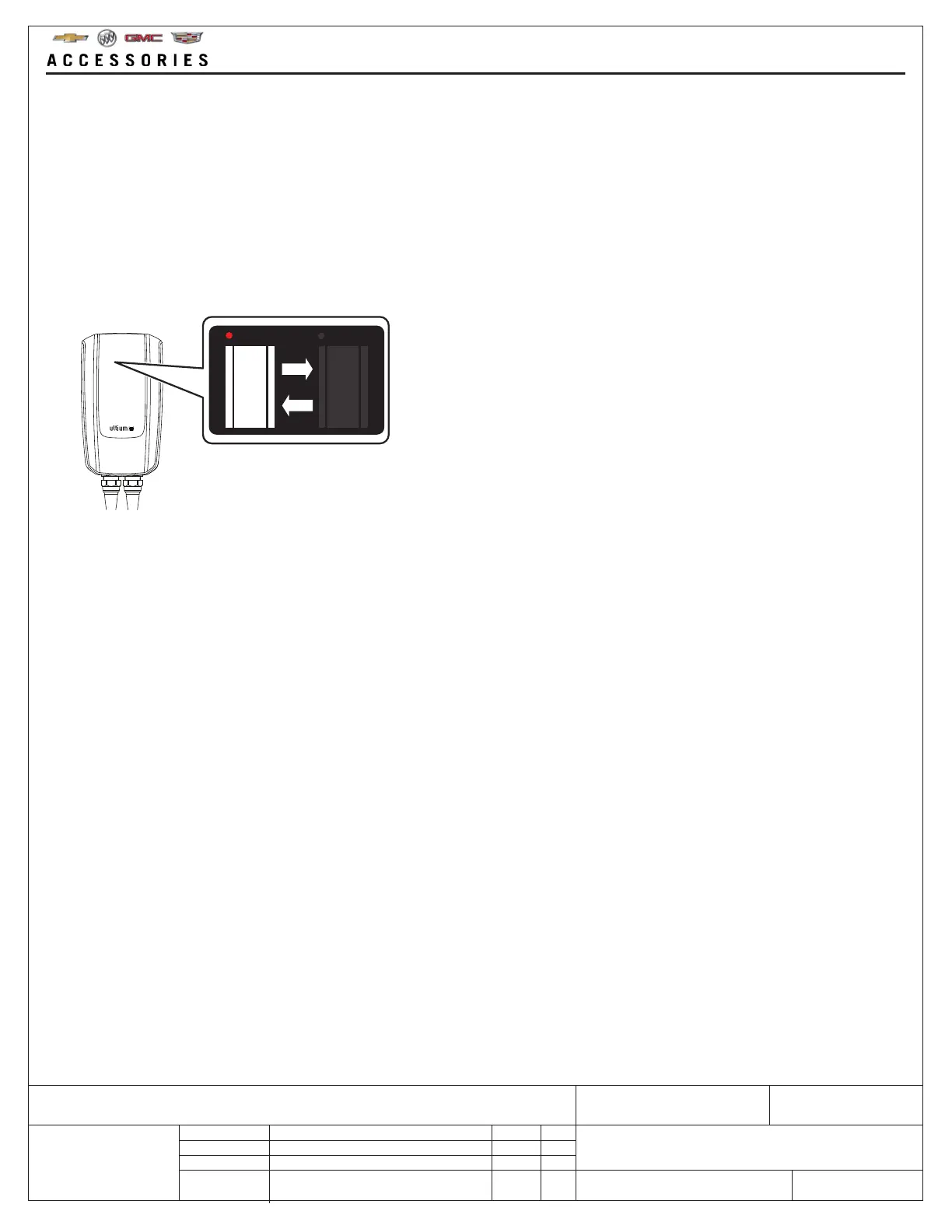
• Software updates in progress can be viewed on the App and by the flashing indicators shown below
7.2 MOBILE APP
• If there is an power interruption or an error, the Mobile App will show that the GM Ultium EV Charging Station has
stopped due to an error
• If charging an EV with the GM Ultium EV Charging Station and there is a power failure, it will stop
When the power is restored, it will continue to charge
• Power failure will not affect the Mobile App Charging Schedule
• The App will display information related to errors, and suggested actions
• When using the Mobile App, make sure Bluetooth® is activated on the smart mobile device and that it is within
Bluetooth® range of the unit



 To Next Page