TX7200 Instruction Manual Page 5
Transmitting
Before transmitting, check to see if the channel is already in
use ('BUSY' will be displayed and the LED on the top of the
radio will be green). If the channel is busy, you should wait
until it is clear before transmitting.
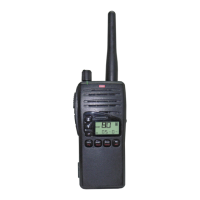
To transmit, press the Push-To-Talk (PTT) switch on the
left-hand side of the radio. Hold the radio about 5-8 cms
from your face with the antenna vertical and speak into the
built-in microphone located just below the speaker. When
talking, speak at a normal voice level. The microphone is quite
sensitive so it is not necessary to raise your voice or shout.
Receiving
Note:
Your radio may be programmed with options that
could affect the way your radio behaves when it receives a
call from another radio.
Normal Reception
Your radio will normally be muted (squelched) so that it is
quiet when there are no signals. When a transmission is
received, the radio will automatically unmute itself to allow
you to hear the call. When receiving a signal, adjust the
volume control as desired for a comfortable listening level.
The BUSY Indicator
Whenever the channel is active, the BUSY indicator will
appear on the display and the green LED on the top of the
radio will light. However, depending on the muting options
selected on your radio, you may not always hear any sound
from the speaker. This can happen when others are sharing
the channel but their calls are not meant for you. For this
reason it is important that you visually check that the
channel is not busy before making a call to ensure you do
not accidentally talk over someone else.
PROGRAMMABLE FUNCTIONS
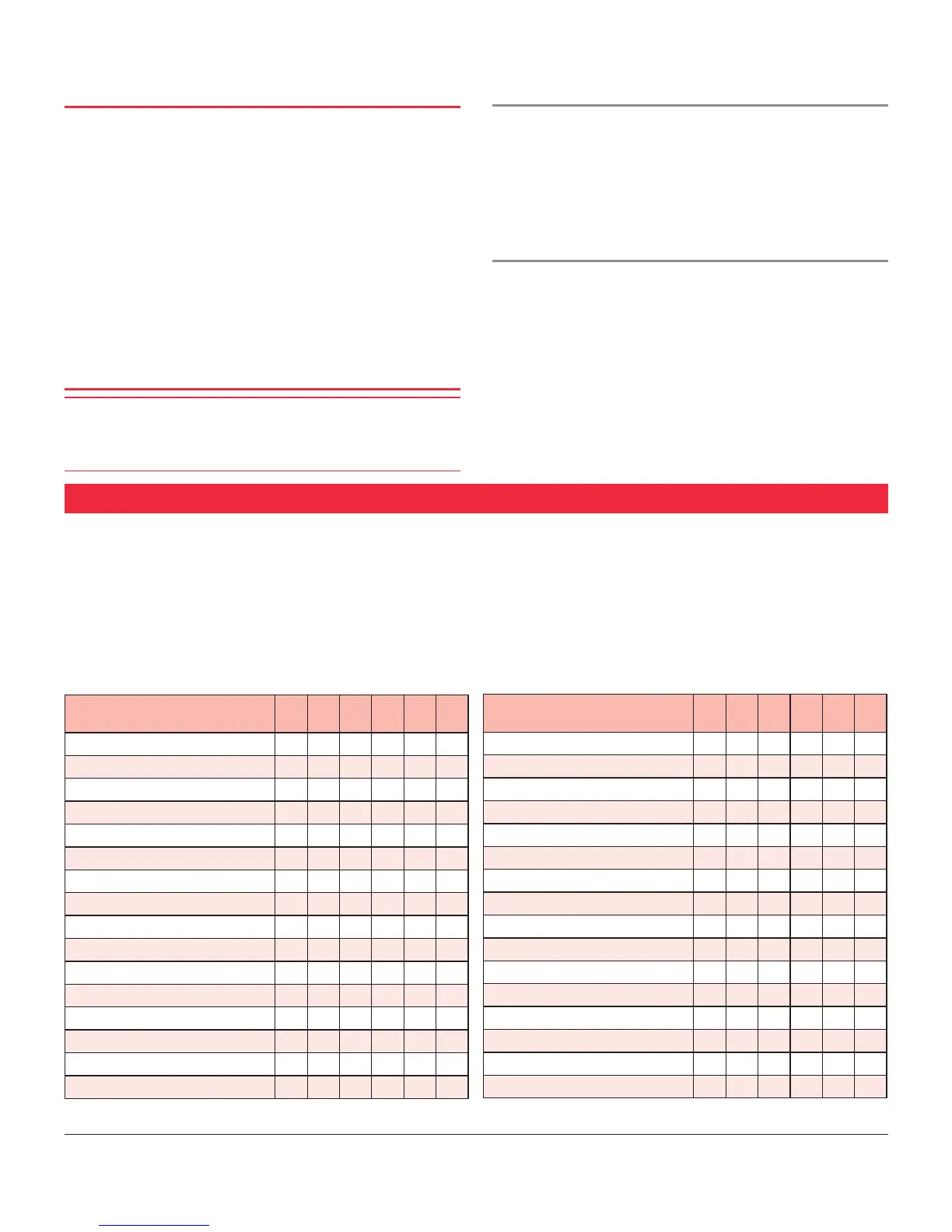
* Allows access to a second feature programmed into any key by first pressing the assigned Function key
The front panel keys are able to perform multiple functions
depending on how they are programmed. Since most of
these functions can be programmed into any of the front
panel keys, no specific key can be addressed as performing a
particular function. The following table can be used to mark
the specific features that may be programmed into your
radio against the front panel keys that will access them.
Your TX7200 will have been programmed by the dealer
to suit your specific requirements by enabling only those
features that are useful to your operation. Your dealer will
show you how to use those features.
Tick the boxes that match the function keys on your radio
with the specific feature programmed by your dealer.
Function F1 F2 F3 F4 - Aux
Disabled
Function/Menu
Keylock
Transmit Hi/Lo Power
Monitor
Squelch
Talk-Around
Scan
OS/GS Toggle
Quiet
Alphanumeric
Priority
Call
Channel Recall
Speed Dial Selcall
Channel Recall/Speed Dial Selcall
Shifted Function * F1 F2 F3 F4 - Aux
Disabled
Function/Menu
Keylock
Transmit Hi/Lo Power
Monitor
Squelch
Talk-Around
Scan
OS/GS Toggle
Quiet
Alphanumeric
Priority
Call
Channel Recall
Speed Dial Selcall
Channel Recall/Speed Dial Selcall



 To Next Page