71 72
App User Guide
Updating Grill Firmware
Updating Grill Firmware
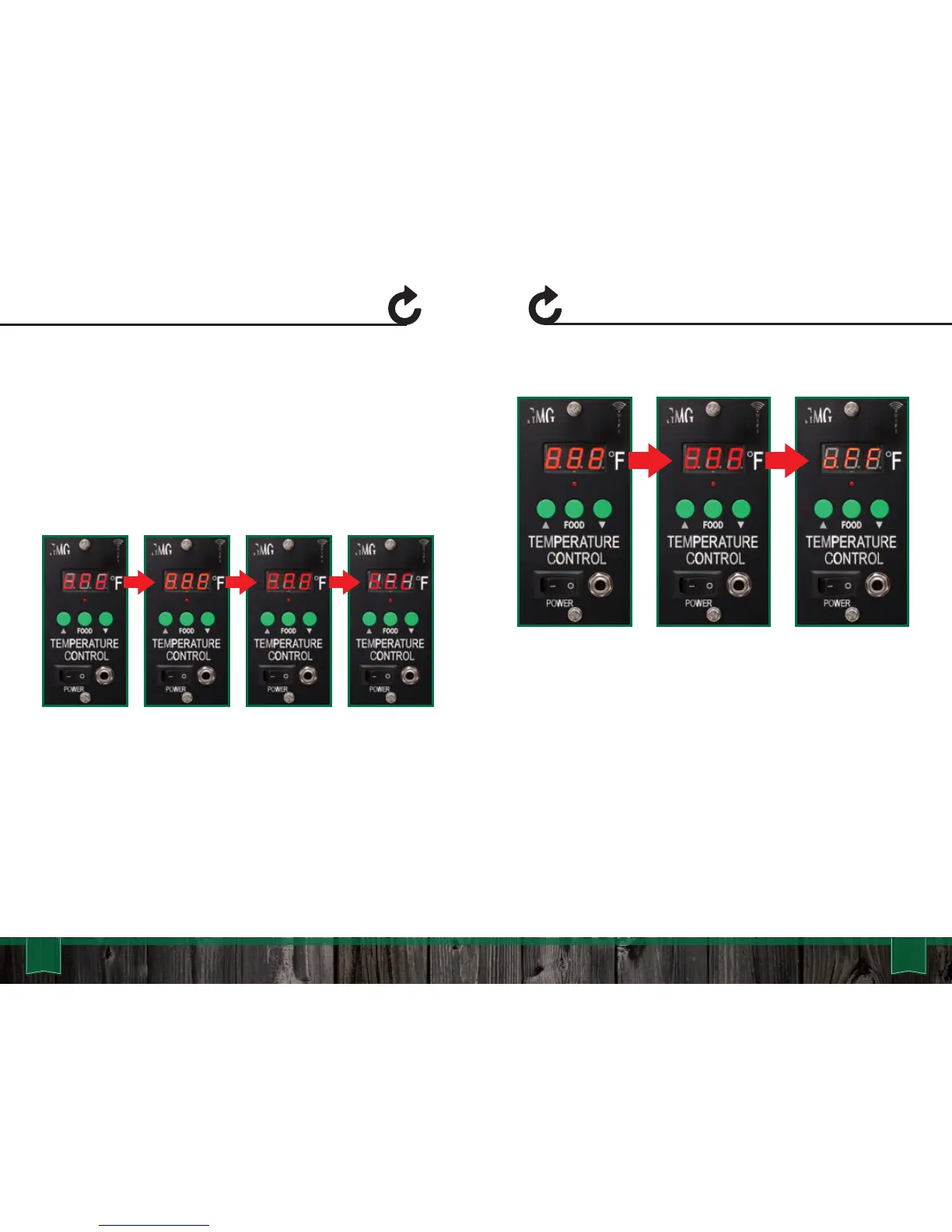
Next your grill’s LCD panel will display “UPD” and connect to your
local network. Once connected, the grill will start downloading the
new firmware. At this time you will see the LCD start at “00” and
climb to “100”. If the update is successful the LCD panel will
display “SUC” or “FAL” if it failed. Once you see the “SUC”, toggle
the grill off then back on.
If your update fails:
1. You are not close enough to your home network (needs to be
within 20 feet).
2. You have the latest version of firmware and the package
update does not download.
3. Your network does not have a password or is not compatible
with the grill.
After you toggle the grill, the system will install the update and
verify if it is installed correctly. You will see the grill count from
“000” to “100” during this time. When the update is complete the
grill will display “off”. It will then disconnect from your local network
and broadcast via the GMG network again.



 To Next Page