G-net application and cloud mode are not
available while Wi-Fi power cuts.
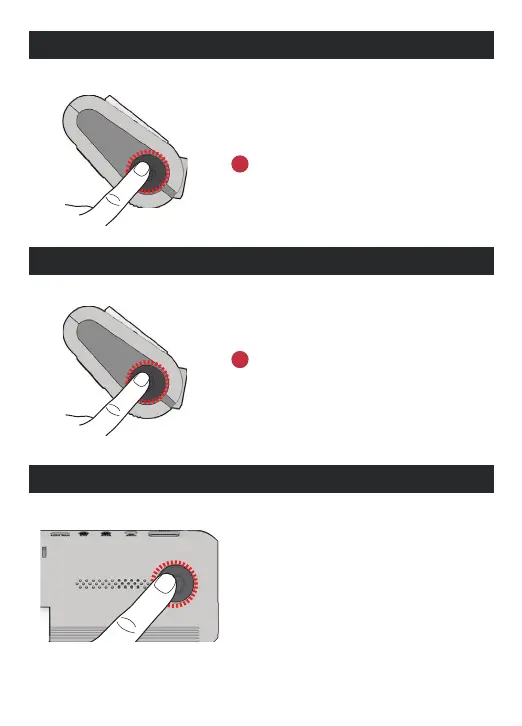
WI-FI POWER ON/OFF
The Wi-Fi power is turned on/ o by pressing
the power button twice.
POWER ON/OFF
In case of turn the system o by holding the
power button, you have to press and hold the
power button again in order to restart the
system.
Turn o and restart the system.
CHANGE INTO WI-FI OR CLOUD MODE
The Wi-Fi mode is changed to the CLOUD mode or
the CLOUD mode is changed to the Wi-Fi mode if
you press the Wi-Fi button for 5~6 seconds.
(At this time, when switching to the Wi-Fi mode or the
CLOUD mode, DASHCAM is on and does not reboot)



 To Next Page