Connect
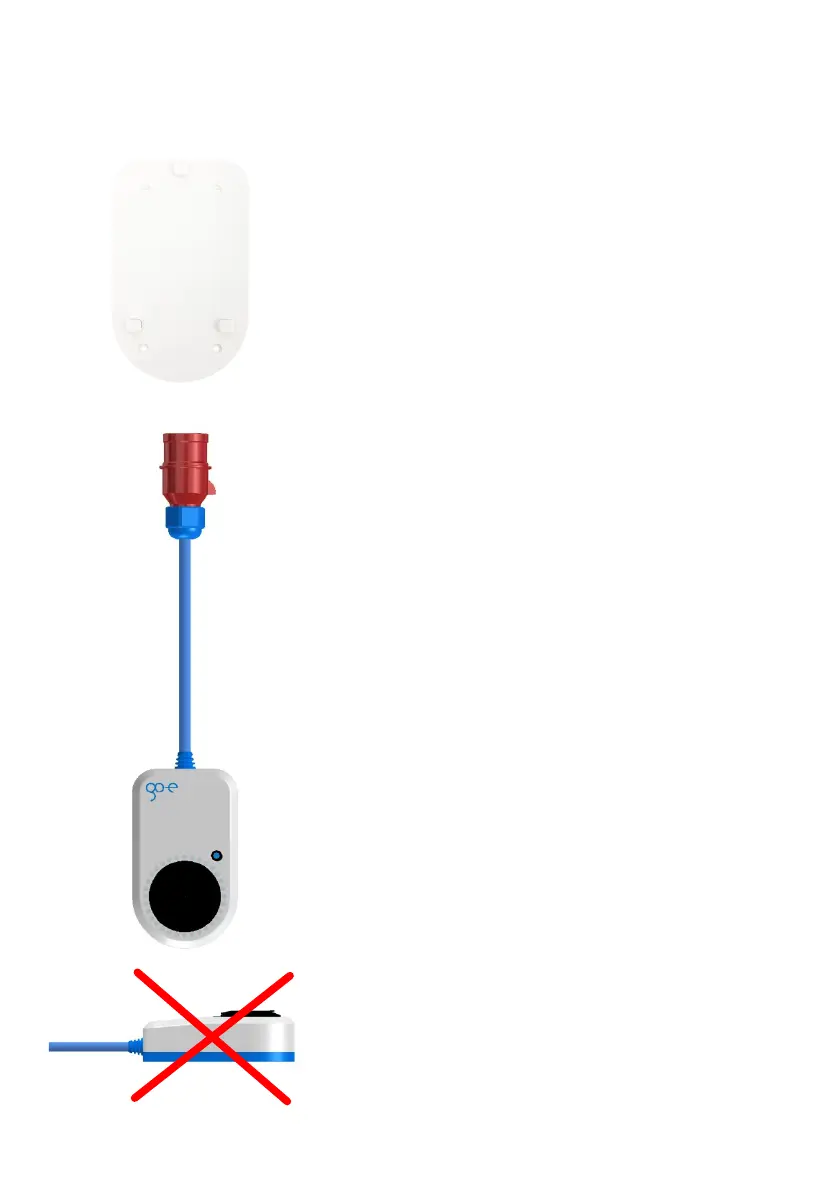
Never use the go-eCharger lying on its back; it may
collect water in the Type 2 outlet when it rains.
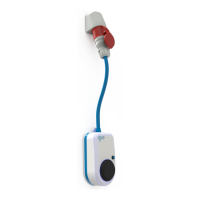
Connect the go-eCharger to a suitable power source
- at best directly to a CEE 16 A socket (go-eCharger
HOME+ 11 kW) or a CEE 32 A socket (go-eCharger
HOME+ 22 kW) or with an adapter to a
corresponding other power source.
Page 12
Commissioning
After an initial self-test, the LEDs light up in the
number of the pre-set charging current (in amps).
The button (5) can be used to select between 6 A and
16 A (go-eCharger HOME+ 11 kW) or between 6 A
and 32 A (go-eCharger HOME+ 22 kW). The levels of
the selection can be individually adjusted in the app.
It does not matter whether the go-eCharger is
connected in one or three phases.
Charging process
Now insert your Type 2 cable into the charger box. All
LEDs light up yellow during the test. The charging
process is started with a clicking sound in the
charging box and indicated by switching the LEDs.
During charging, the LEDs run clockwise around the
charging socket. The number of "tails" corresponds
to the number of phases used to charge while the
rotation speed is dependent on the charging current.
Exit charging process
The charging process is terminated by the vehicle.
This is usually the case when the vehicle's battery is
fully charged. The socket remains locked after
completion of the charging process until the cable is
removed from the vehicle (theft protection).
If you want to interrupt charging prematurely, you can
do this via the function of your vehicle ("cable
unlocking") or via the app ("activation").
Page 13
The device can be installed indoors or outdoors.
Provide a power supply. If a three-phase socket is
available, insert the charging unit onto the wall
mount and the plug of the charging unit into the
socket to determine the best positioning of the wall
bracket. Also use this as a template for marking the
drill holes. Use a spirit level to align the wall mount.
Use the screws and dowels supplied to attach the
wall bracket. Make sure that there are no distortions
on the surface. If the wall bracket warps, it may not
be possible to attach the device. Use spacers to
compensate for any unevenness in the wall.
If there is no three-phase current connection, have
the three-phase current socket installed by a
qualified electrician. This qualified person has a
recognised electrical engineering qualification which
enables him/her to carry out all electrical engineering
work in accordance with the applicable national
regulations. You can achieve a comfortable height
for the charging box by having the three-phase
socket installed approx. 170 cm above the floor.
Mounting of go-eCharger HOME+



 To Next Page