If your go-eCharger is out of the reach of your WiFi
router, you can use the "connect automatically"
function for the hotspot connection with the go-
eCharger under the WiFi settings of your mobile
phone, so that you always have quick access to the
charging box.
If your go-eCharger has permanent access to the
Internet via your home network, you should use the
Internet connection by default.
Assistent (Wizard)
As an alternative to manual WiFi configuartion, you
can also use the WiFi Wizard. Tap the Wizard button.
The wizard will now guide you step by step through
the installation.
Reset with reset card
With the go-eCharger Reset RFID card, the access
settings of the loading box can be reset to the factory
settings. Hold the reset card to the RFID reader of
the loading box. The reset is confirmed by a short
LED ring light in red.
Store the reset card in your car. You can reset the box
settings at any time and log in again with the factory
settings. This is especially important if you have
activated the load release via RFID card and have
misplaced the card.
Page 22
Troubleshooting:
What does the colours of the LED ring mean?
(Colour codes correspond to the factory setting)
Page 23
TIP
TIP
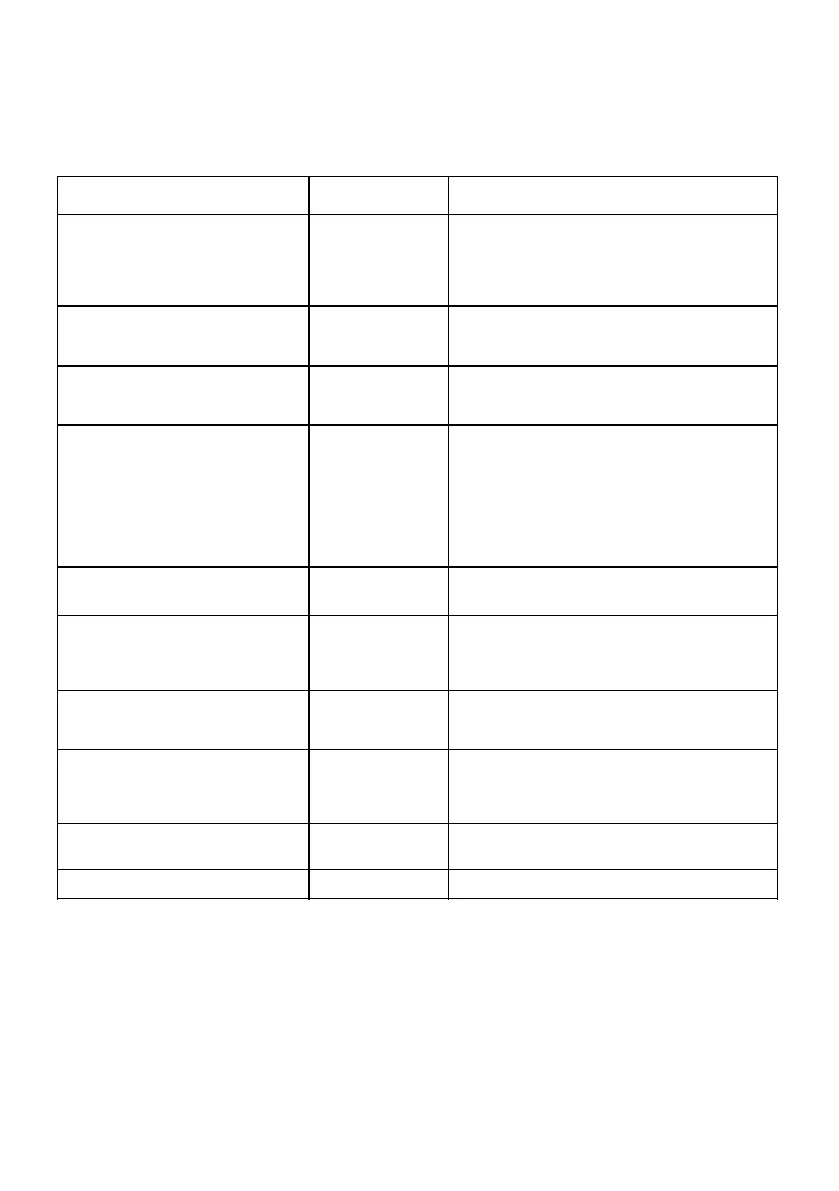
No LEDs light up although the charger
is connected.
No current on the
junction box/-cable
or fuse defective
Check the overload protection of the connection.
Check the device fuse on the back of the go-
eCharger. If it has melted, the power connection is
probably not properly installed. Make sure that the
connection is correct before you try again.
The LEDs light up blue (standby
mode). However, the charging process
does not start.
Vehicle is not
recognised
Check the charging cable and the proper fit of the
plugs.
The LEDs flash red at the top and light
up static yellow/green at the bottom.
Prüfen Sie, ob die Zuleitung ordnungsgemäß
geerdet ist. Testen Sie den go-eCharger HOME+
ggf. an einer anderen Steckdose.
The LEDs light up red at the top and
pink at the bottom.
RCD has detected
an error
The charger has detected a residual current >= 6
mA and goes to fault. To acknowledge the fault,
press restart in the app or unplug and plug the go-
eCharger HOME+ again. If necessary, the
charging current can be reduced, but also check
the used socket. (Possibly the charging device in
your vehicle is also defective. If necessary, this
should be checked by qualified personnel.)
Please check the error code in the go-eCharger
app.
The LEDs light up blue/red.
Check supply line, possibly only 2 phases are
present. Please test the go-eCharger HOME+ on
another power outlet. If no function occurs, please
contact go-e customer support.
4 LEDs light up red (3, 6, 9, 12
o'clock).
The earth detection is disabled. Attention: this
function should only be used if the power supply
has no grounding (IT mains).
The LED ring shines in rainbow
colours.
If the charger does not come out of this mode, the
WLAN signal may be disturbed. Remove possible
sources of interference (e.g. devices with WLAN
mesh network).
LEDs light up blue/white.
The access control is not set to open. To activate,
use a teached-in RFID chip or the app.
5 LEDs light up red on top.
Use a trained RFID chip for activation.



 To Next Page