21
• If Wi-Fi is switched o, select the sengs menu
SET – toggle to WIFI.
Press the buon shortly.
Wi-Fi is switched on now on your camera ( wiFi ).
Alternave you can use the Shortcut as explained on next page.
· On your mobile device, enable Wi-Fi and scan for Wi-Fi hot spots.
Once you see the Wi-Fi network name (SSID) „gobandit_LIVE“, select it to
accept the connecon.
· launch gobandit MOBILE on your mobile phone.
5 minutes aer terminang the mobile app and therefore
cung the connecon to the camera, Wi-Fi will be switched o on your
camera. Default password is 1234 - change the password using the sengs
funcon of gobandit MOBILE or gobandit STUDIO if you want to prevent
others accessing your camera. Once you have changed your password
and you have forgoen it, you can change or reset the password by using
gobandit STUDIO and connecng the camera to your PC/Mac using the
USB cable. Further you can change the Wi-Fi name (SSID) of your camera
(default: “gobandit_LIVE”) using gobandit MOBILE or gobandit STUDIO –
changing your camera’s SSID is recommended if mulple gobandit cameras
may be nearby, while connecng your mobile device with the camera.
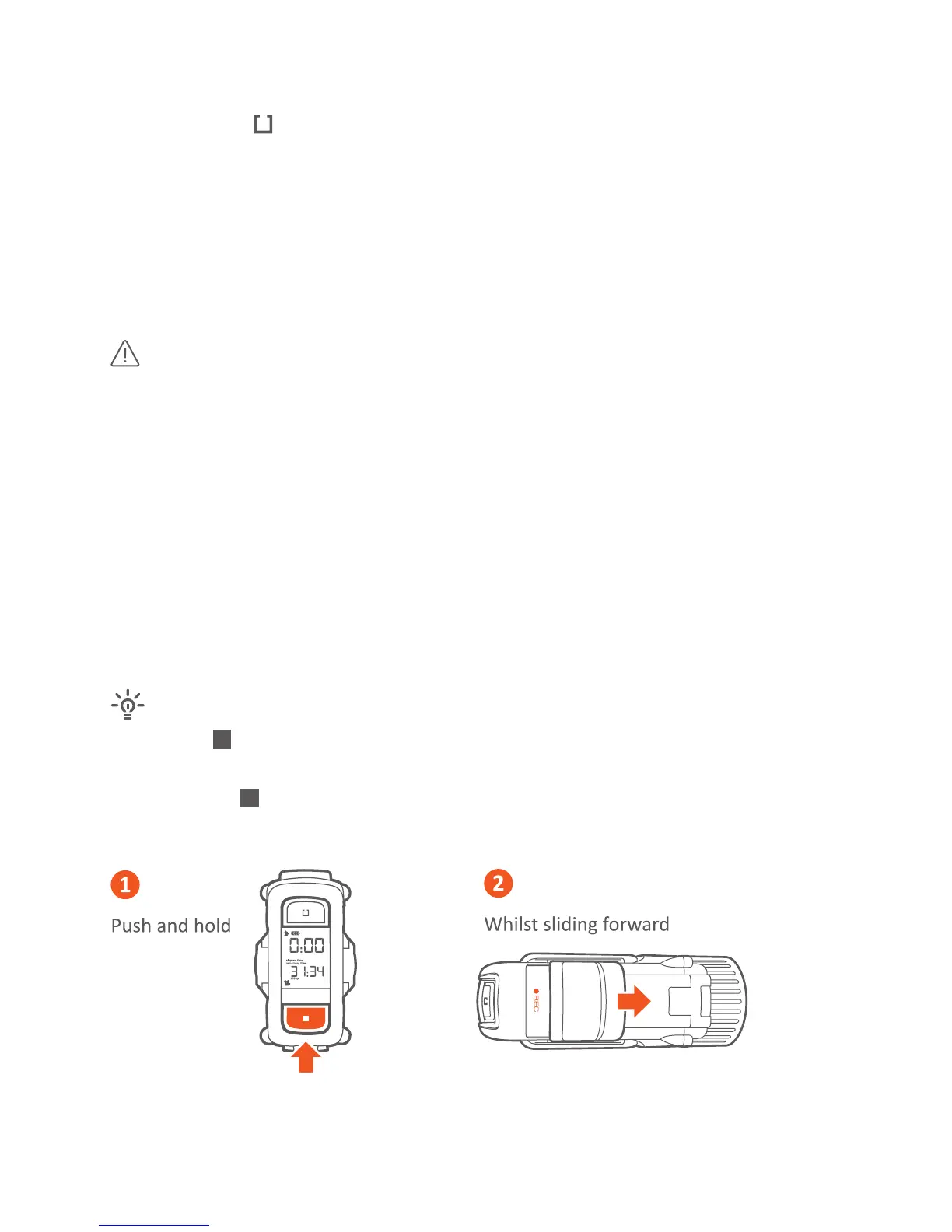
· Push the buon
· Slide Record switch forward
· Release the
buon
· Slide Record switch back



 To Next Page