2
1
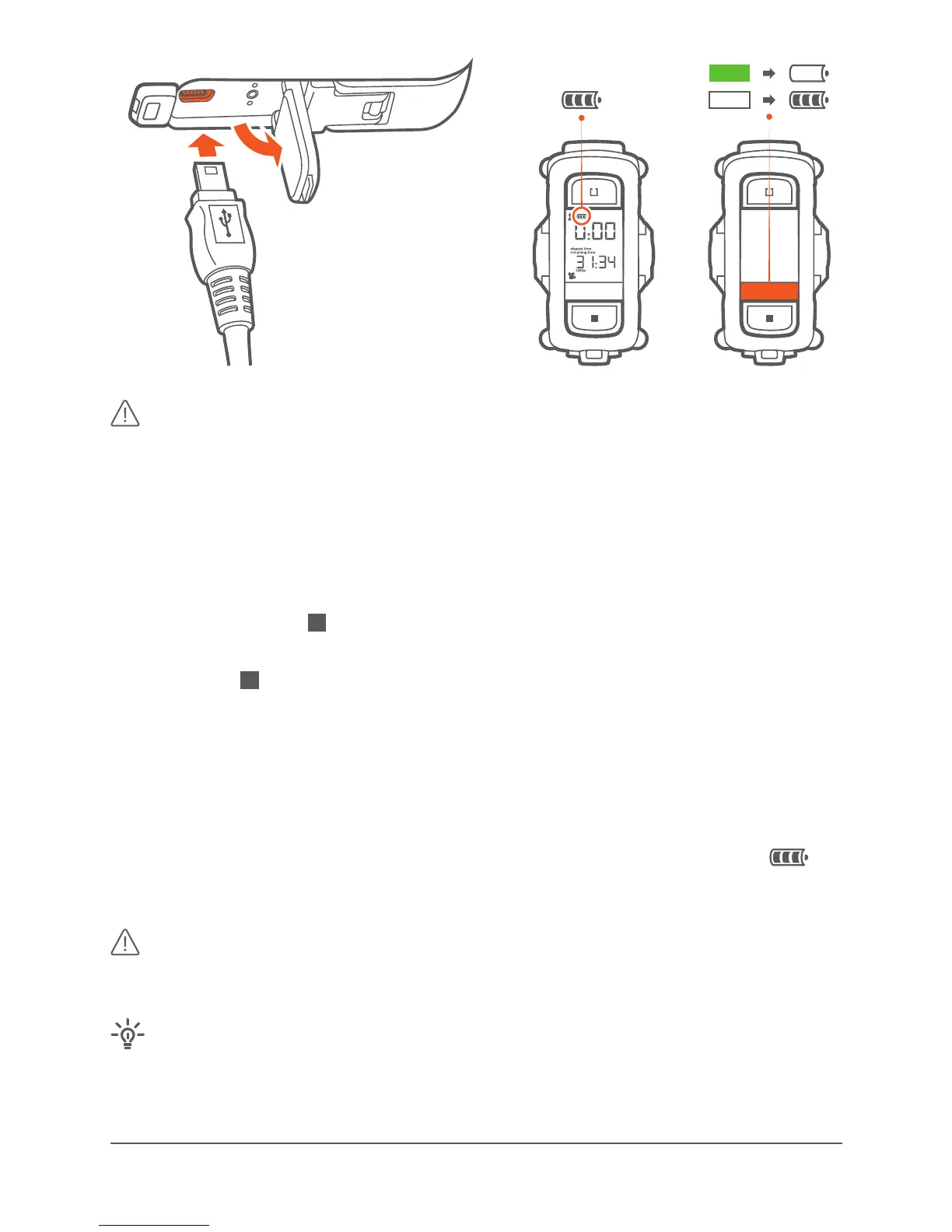
Alternavely you can use the oponal gobandit Car Charger or
the gobandit Wall Charger – or charge your baery outside the camera
using the oponal gobandit Baery Charger.
Please visit for purchasing chargers and extra
baeries.
· Press and hold the buon for a minimum of 3 seconds.
· Display shows OFF OK?
· Release the buon and press once more to conrm turning o the
camera
· Camera beeps twice and the rear LED turns o.
· Display shows OFF while powering o and saving les.
· Baery level is indicated in the display while camera is turned on:
The more segments displayed, the more power is in the baery.
Always turn camera o before removing baery and/or
microSD-Card.
Depending on camera model and rmware release, camera is
automacally powered o when the front door of the camera is opened by
pulling the clamp at the boom.



 To Next Page