4
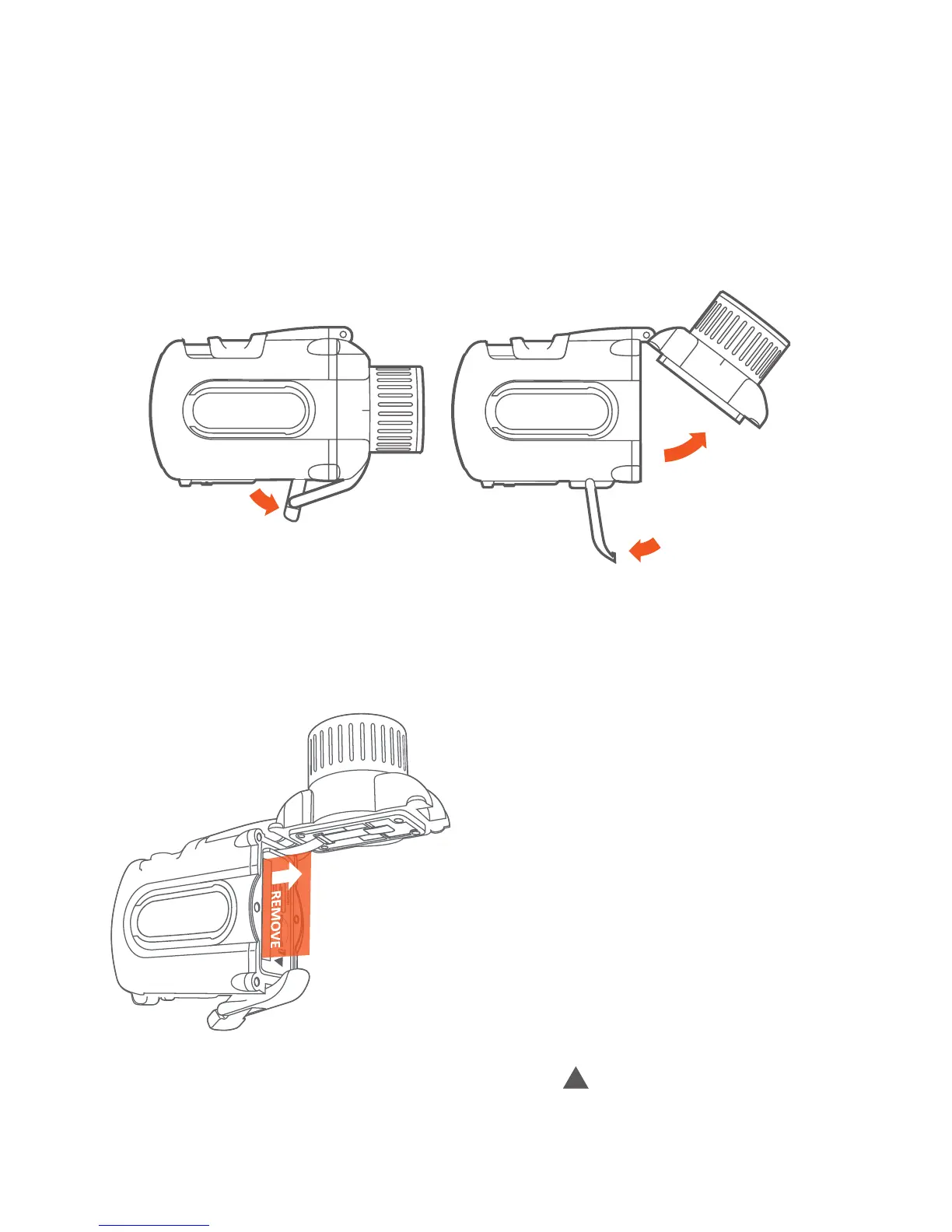
· Open the front door of the camera by pulling the clamp at the boom of
the camera.
1
2
3
· Pull the isolaon stripe labeled with “REMOVE” - if stripe can not be
removed easily, take out the baery for this purpose: open baery latch
and take out baery
· Insert the baery in the compartment with “ ” aligned.
· Make sure baery latch snapped in again to x baery.



 To Next Page