12
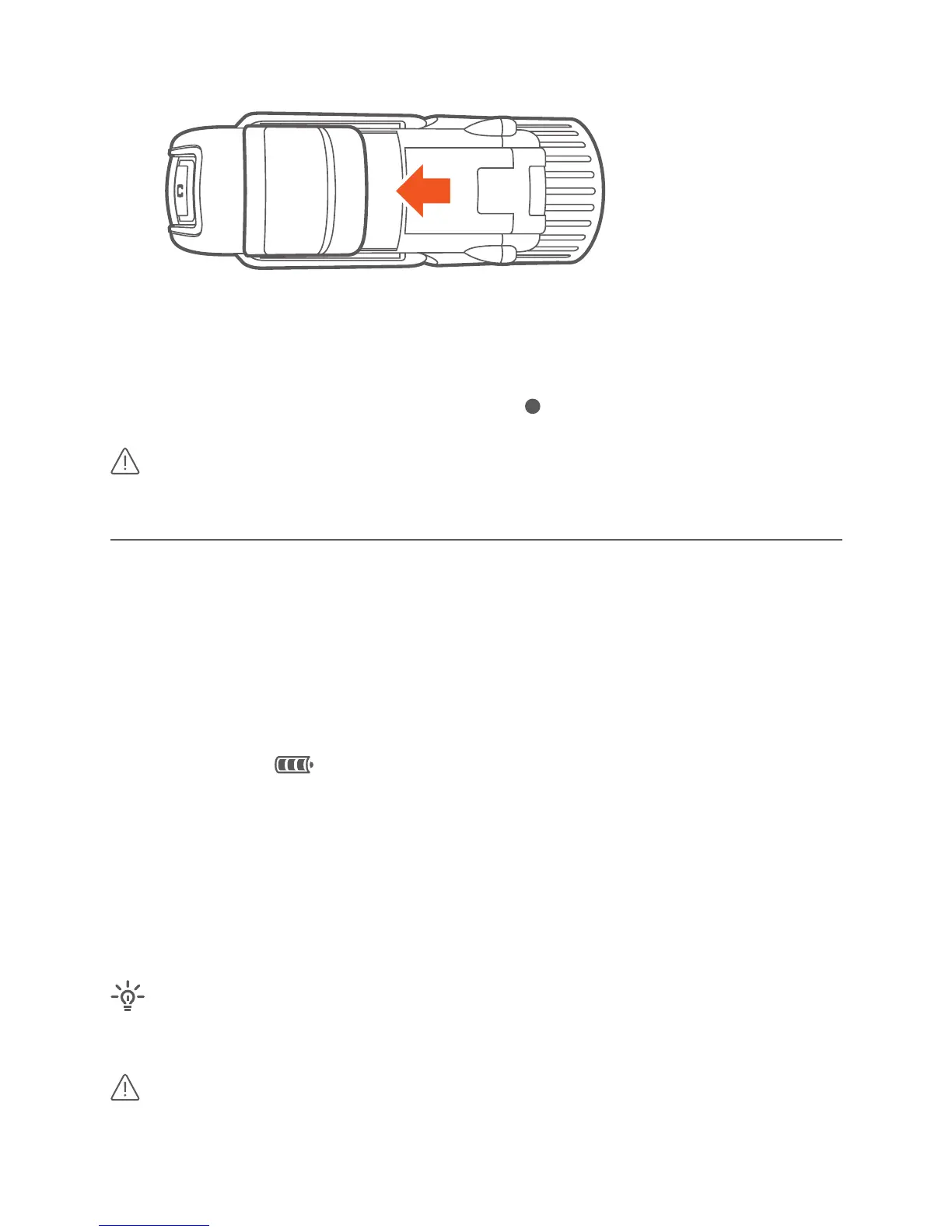
· Slide “Record” switch back, to OFF.
· Camera beeps twice as soon as video recording has stopped.
· The rear LED turns green.
· In the upper right of the display the dot ( ) disappears
Do not charge the baery while recording an video. Noise on the
power supply may cause interferences in video and/or sound.
POwER / RECHARgE
· Connect camera to a computer with USB cable:
open door of Mini-USB port at the boom.
· If the camera is turned on, baery level indicator segments will scroll
while charging:
· If camera is turned o, rear LED turns green while charging and turns
o when full (on older camera models, LED does not turn o, when full -
in this case, switch on camera, to verify baery level indicator)
· The charge is complete when baery level indicator segments stop
scrolling or, when the camera is switched o, the rear LED light turns
o (aer about 4 hours).
camera baery charges faster when camera is switched o while
charging.
Do not charge the baery while recording an video. Noise on the
power supply may cause interferences in video and/or sound.



 To Next Page