15
SETTIngS
· Push the buon shortly to toggle through the available display modes
unl display shows: SET
· Press the buon shortly to enter sengs mode – the rst sengs
funcon is blinking in the display: VID
· Push the buon quickly to toggle through the available sengs unl
you see the desired seng funcon blinking in the display
· Press the buon shortly to select desired sengs funcon
· Sengs changes have to be conrmed by
pushing the buon shortly – display shows:
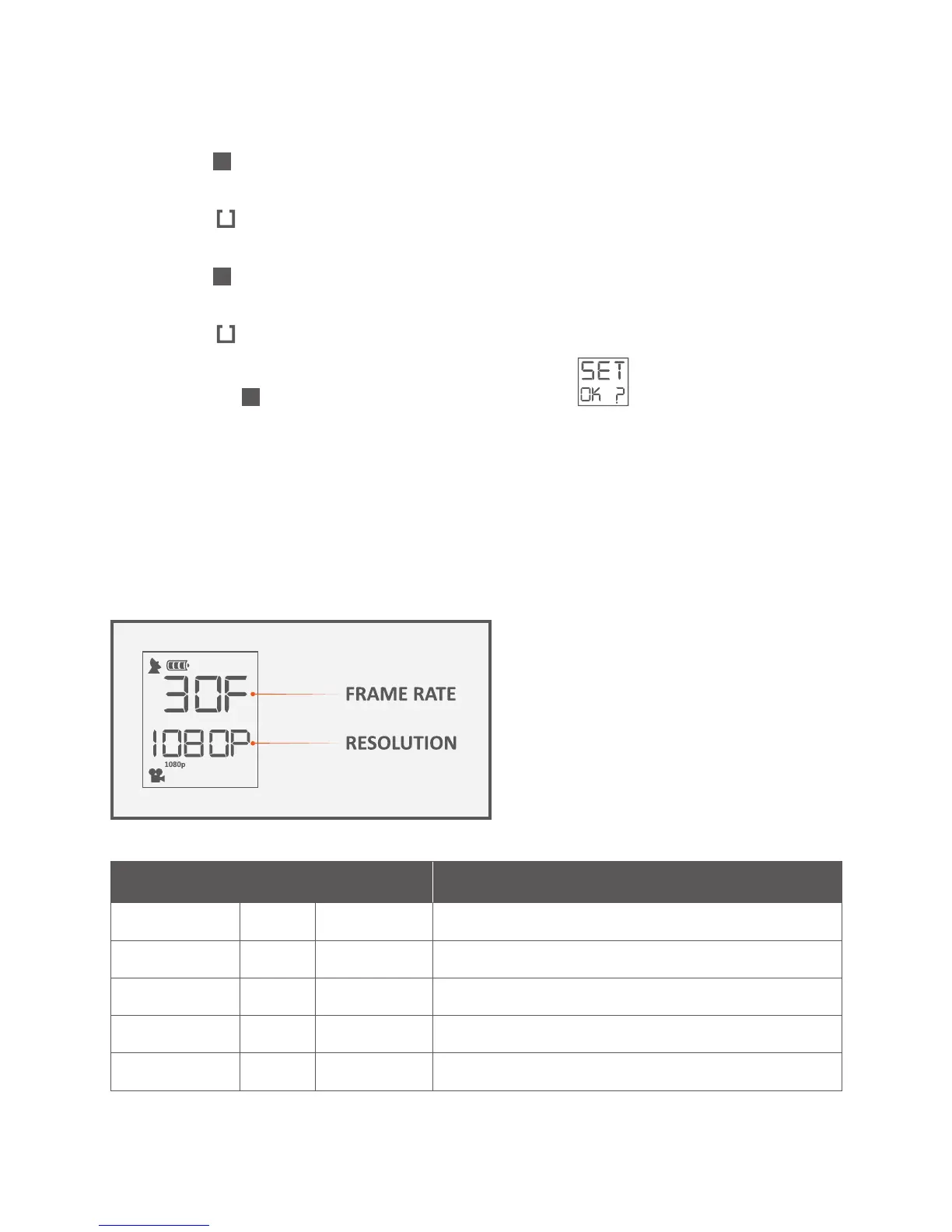
Your gobandit camera can shoot videos at various resoluons and at vari-
ous frame rates. The most used frame rate is 30 frames per second (fps),
however you can also choose e.g. 60 or 120 fps for a slow moon playback.
RESOLUTIOn FRAME RATE
Full HD 1080p (1920x1080) 30 fps / 25 fps / 24 fps
HD 960p (1280x960) 30 fps / 25 fps / 24 fps
HD 720p (1280x720) 60 fps / 30 fps / 25 fps / 24 fps
WVGA 480W (848x480) 120 fps / 60 fps / 30 fps / 25 fps / 24 fps
SD 480p (640x480) 120 fps / 60 fps / 30 fps / 25 fps / 24 fps



 To Next Page