16
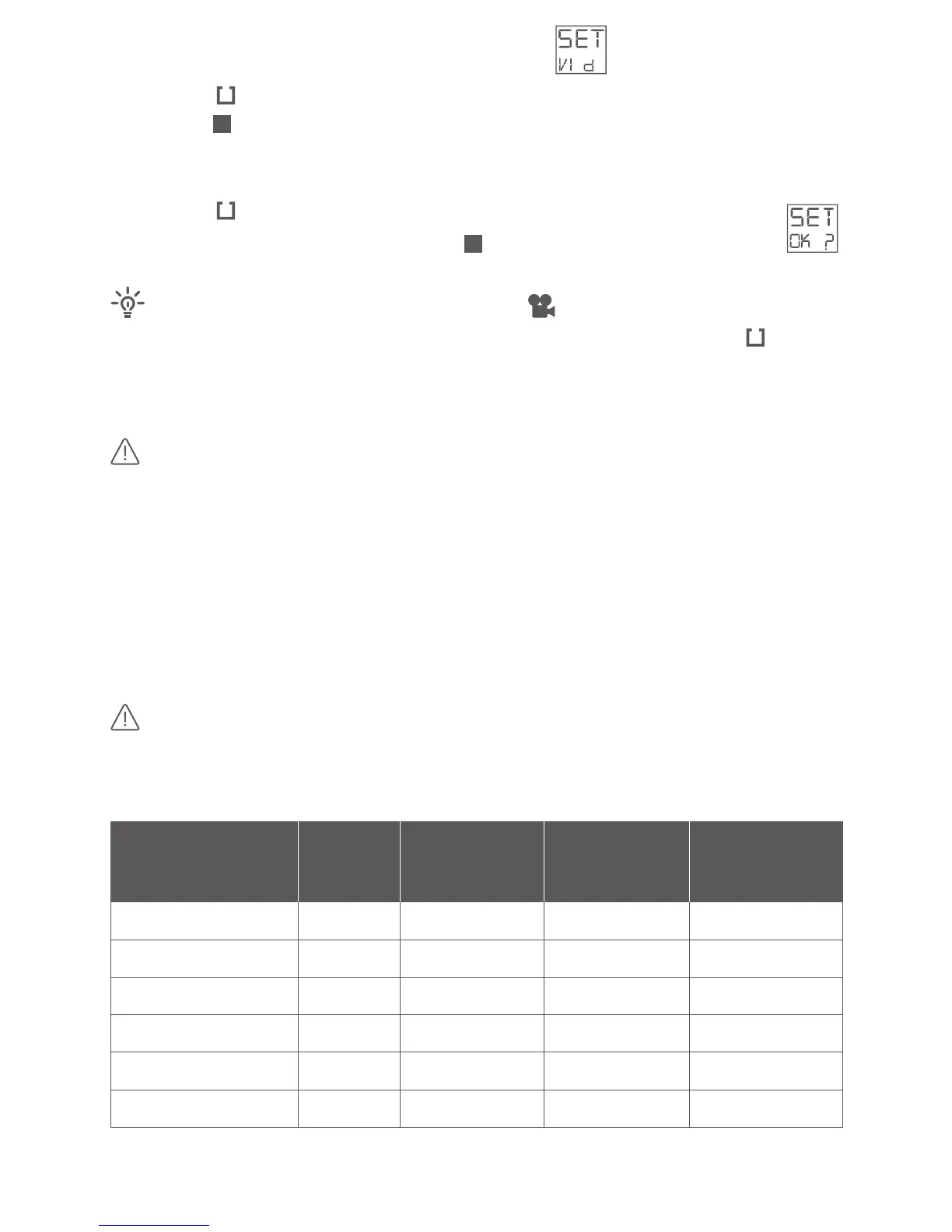
· Select the sengs menu SET– toggle to VID:
· Press the buon shortly
· Push the buon shortly to toggle through the available video formats:
display indicated frame rate (e.g. 30F = 30 frames per second) and
resoluon (e.g. 1080P for full HD)
· Press the buon shortly to select desired video format
· Conrm your choice by pushing the buon shortly – display shows:
While in Video Mode ( ) and in display mode you
can select the most important video formats: Press and hold the buon
for a minimum of 3 seconds and toggle trough the most important video
formats.
Selected video format is stored on camera – even aer power o.
In the following table, you can read the consumed le size per minute and
the video me that can be recorded on a 16GB or 32 GB microSD card. Due
to le system limitaons, the maximum le size is ~3.7GB (4 billion bytes). If
you take a video that exceeds this le size limit, the video will be split into 2
or more les.
Make sure you are using the lastest rmware version on your
camera. Older rmware versions had a maximum le size of ~2GB (2 billion
bytes).
VIDEO FORMAT
FILE SIzE
MAx TIME
MAx TIME
TIME
Full HD 1080p – 30fps 91.0MB 3 hrs 01 min 6 hrs 01 min 46 minutes
HD 960p – 30fps 76.6MB 3 hrs 34 min 7 hrs. 08 min 54 minutes
HD 720p – 60fps 83.5MB 3 hrs 17 min 6 hrs. 33 min 50 minutes
HD 720p – 30fps 67.8MB 4 hrs 2 min 8 hrs 4 min 61 minutes
WVGA 480W – 120fps 73.6MB 3 hrs 43 min 7 hrs 25 min 56 minutes
SD 480p – 120fps 70.2MB 3 hrs 54 min 7 hrs 47 min 59 minutes



 To Next Page