17
In addion to shoong videos, your gobandit camera can shoot sll
pictures. While the Record switch is slid forward, the camera takes a
sequence of pictures unl you switch back the Record switch. The Picture
mer determines, how many pictures are taken, i.e. in which mer interval
the pictures are taken:
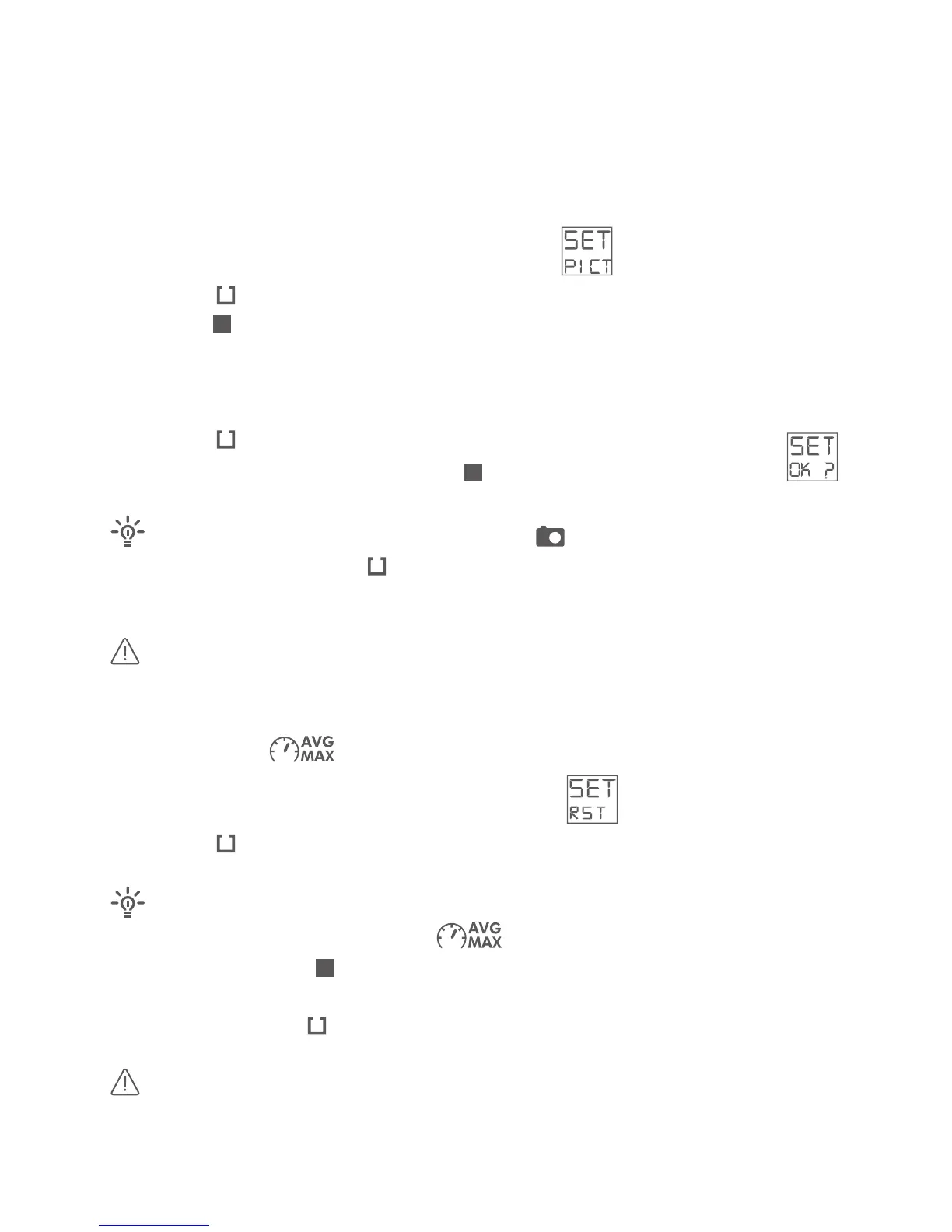
· Select the sengs menu SET – toggle to PIC:
· Press the buon shortly
· Push the buon quickly to toggle through the available picture mers:
1, 2, 5, 10, 30 or 60 SEC – for a picture every 1, 2, 5, 10, 30 or 60 seconds -
or 10 /SEC for 10 pictures per second – default is a picture mer of 2
seconds
· Press the buon shortly to select desired picture mer
· Conrm your choice by pushing the buon shortly – display shows:
While in Picture Mode ( ) and in display mode “pic-
tures”: Press and hold the buon for a minimum of 3 seconds and toggle
trough the available picture mers
Picture mer is stored on camera – even aer the power is o.
In display mode , you can see your average and maximum speed –
like on a tachometer.
· Select the sengs menu SET – toggle to RST:
· Press the buon shortly
· Make sure display mode shows:
otherwise push the buon shortly and toggle trough the available
display modes
· Press and hold the buon for a minimum of 3 seconds
maximum and minimum values in the video (skin) are
reset/deleted every me, you start recording a new video.



 To Next Page