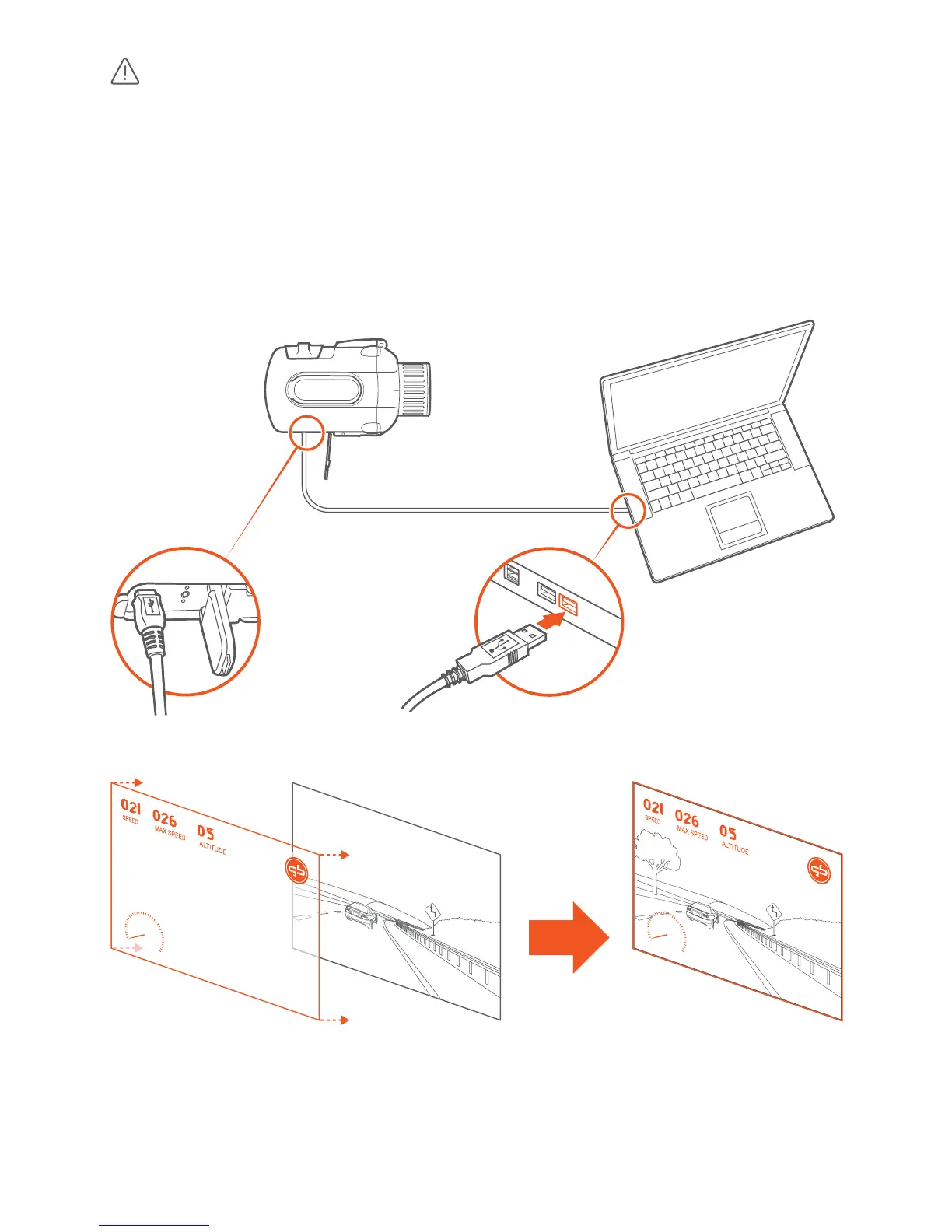
When connecng your camera to a computer using an USB
cable, the computer’s operang systems mounts the microSD card, i.e.
oers access to the les on the microSD card of the camera as a mass stor-
age device. You must follow your computer’s instrucons for disconnecng
such a USB mass storage devices, i.e. safely remove the device, to avoid
damaging or corrupng les. Most computer operang systems oer an
eject buon or another method to safely remove mass storage devices.
Same applies for connecng your camera’s microSD card to a computer
using a microSD card reader.



 To Next Page