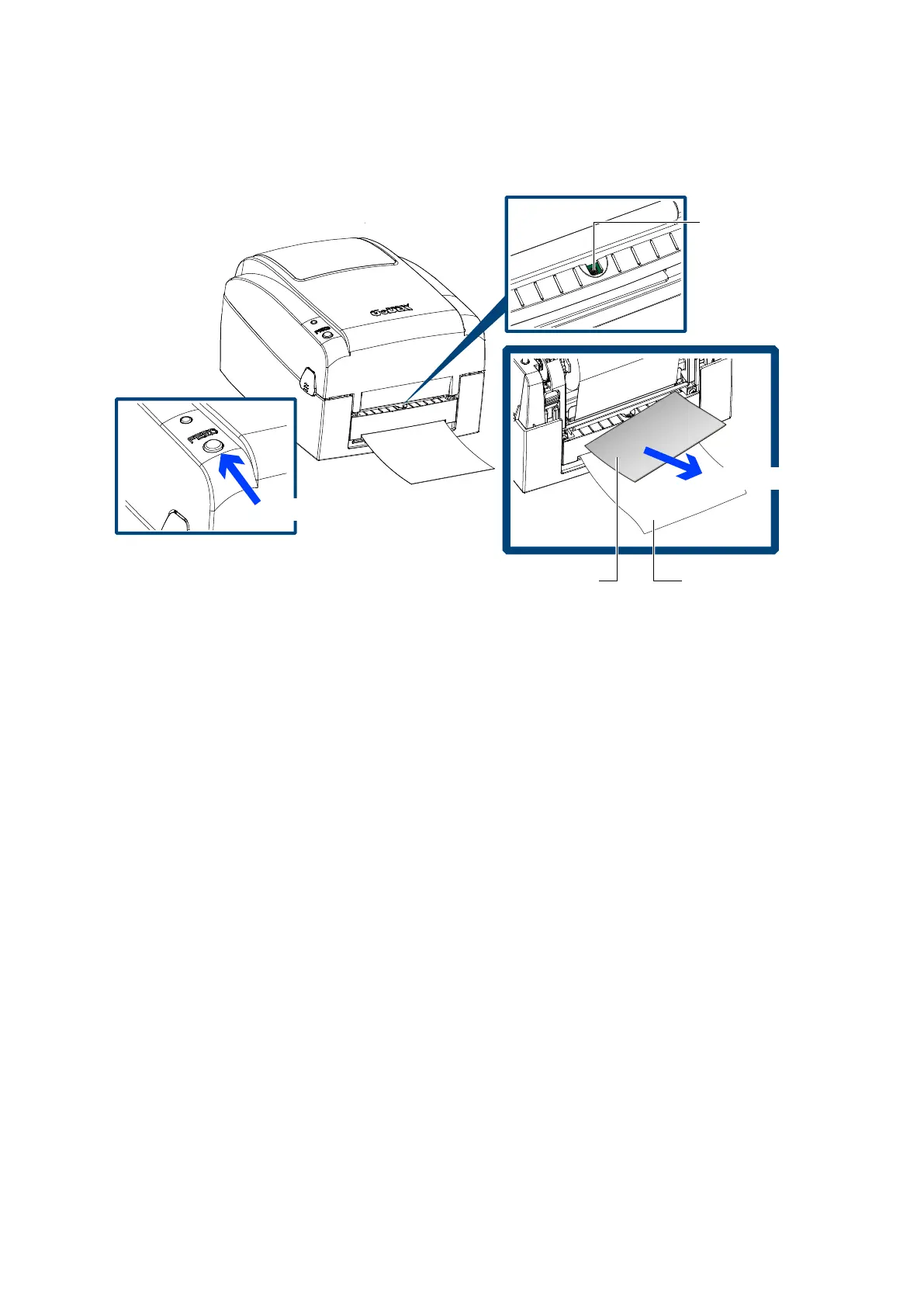
Press the FEED button to feed the label. The label will be peeled from the liner while it passes through the label
dispenser.
! NOTICE
⚫ A label liner thickness of 0.006 mm ± 10% and a weight of 65 g/m2 ± 6% are recommended.
⚫ The label dispenser will take labels up to a max. width of 110 mm. Labels should be at least 25 mm high to
ensure correct functioning of the label dispenser.
⚫ When using the label dispenser, set the stop position to 9 mm.
⚫ There is a paper sensor on the Label Dispenser module. It will stop the printing if it is covered by label.
Please remove the last printed label and the printer will then continue to print next label.



 To Next Page