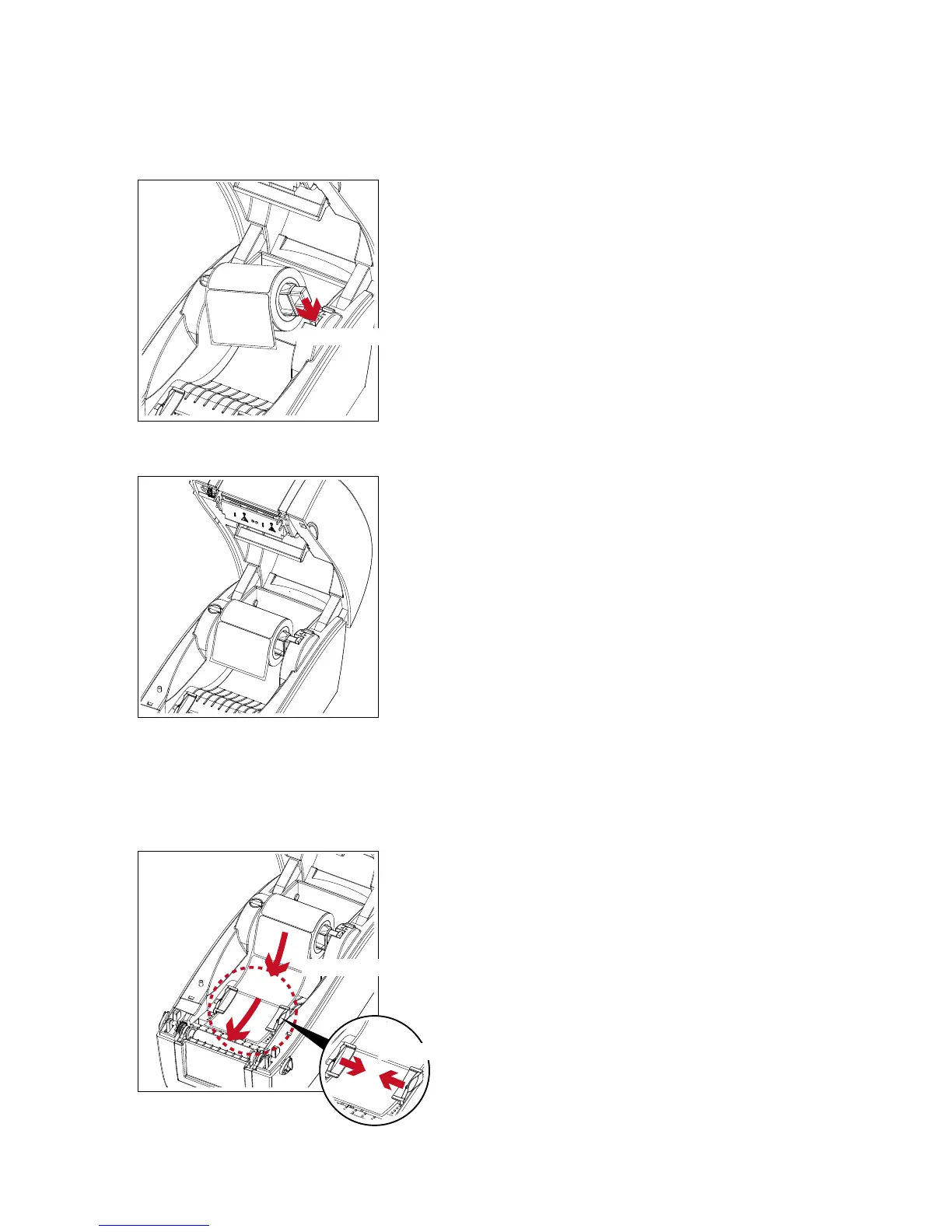
3. Push the label supply module downward and close the release catch.
Push downward to fix the module
4. A new label supply module is completed.
Loading The Label Roll Module On The Printer
1. Feed the Label through the label guides and adjust the label guides to the label width. The label guides will help
to prevent the label swaying.
Through the label guides
Adjust the label guides



 To Next Page