Names of Parts
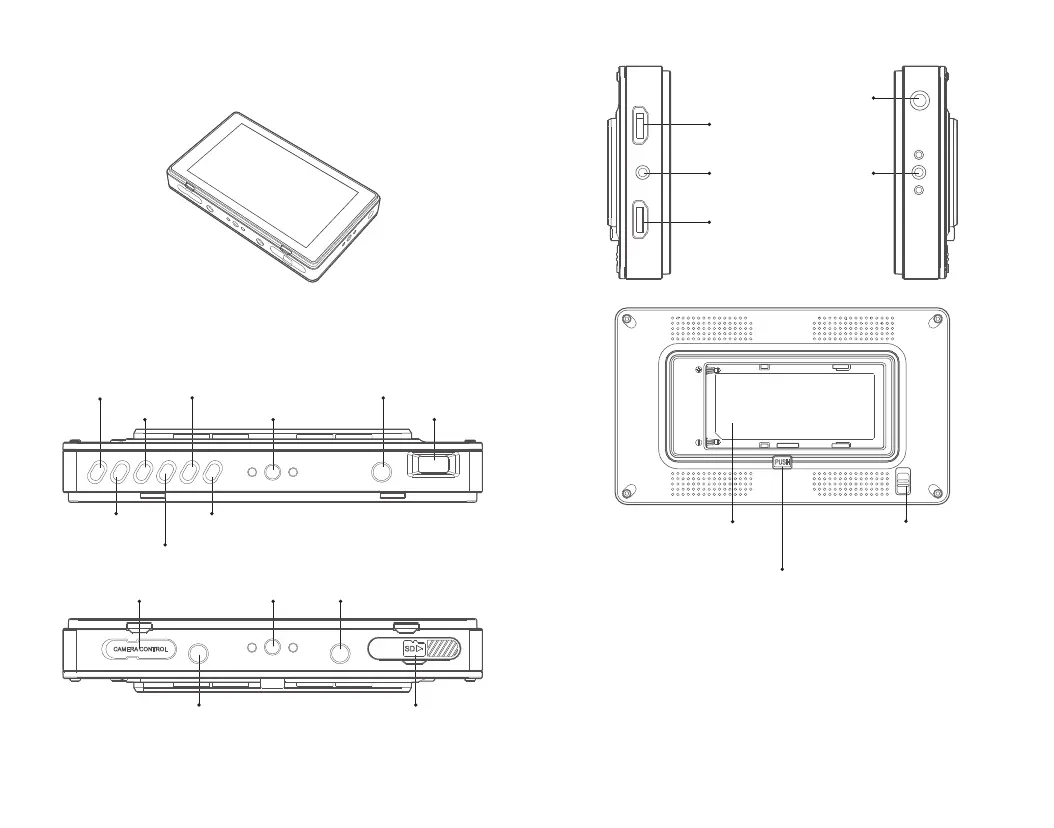
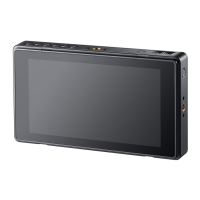
Monitor
Buttons and Ports
These 6 shortcut buttons can be set according to customers’ demands
When the camera mapping is powered on, the functions of monitor are as follows:
F1: Camera
control switch
F5: Focus length
fine adjustment +1
Back Button
F3: Taking photos
Camera control port 1/4 Socket DC Power input 7-24V
1/4 Socket Menu Button
F2: Recording
DC Power output 8V/1.5A, supply power for DSLR camera SD Card slot
F6: Focus length
fine adjustment -1
F4: Auto focus
Power switch: long press this button to power on or off. Short press this
button to switch on or off the touch function.
Select dial: press down this button and the function menu is displayed. Turn
the select dial to choose and press this button to confirm.
Back button: press down this button to back up to the upper stage.
Shortcut button: There are 6 shortcut buttons. Set each shortcut button’ s
function before.
1/4 Socket
3.5mm Earphone Jack
HDMI Output
HDMI Input
Long press to power on/off,
Short press to lock or
unlock the touch function
Self-lock camera control port(push down
this button to install and detach)
Self-lock battery switch
(push upwards to take out)
F970 Battery Compartment
1.
2.
3.
4.
- 13 -
- 14 -


 To Next Page