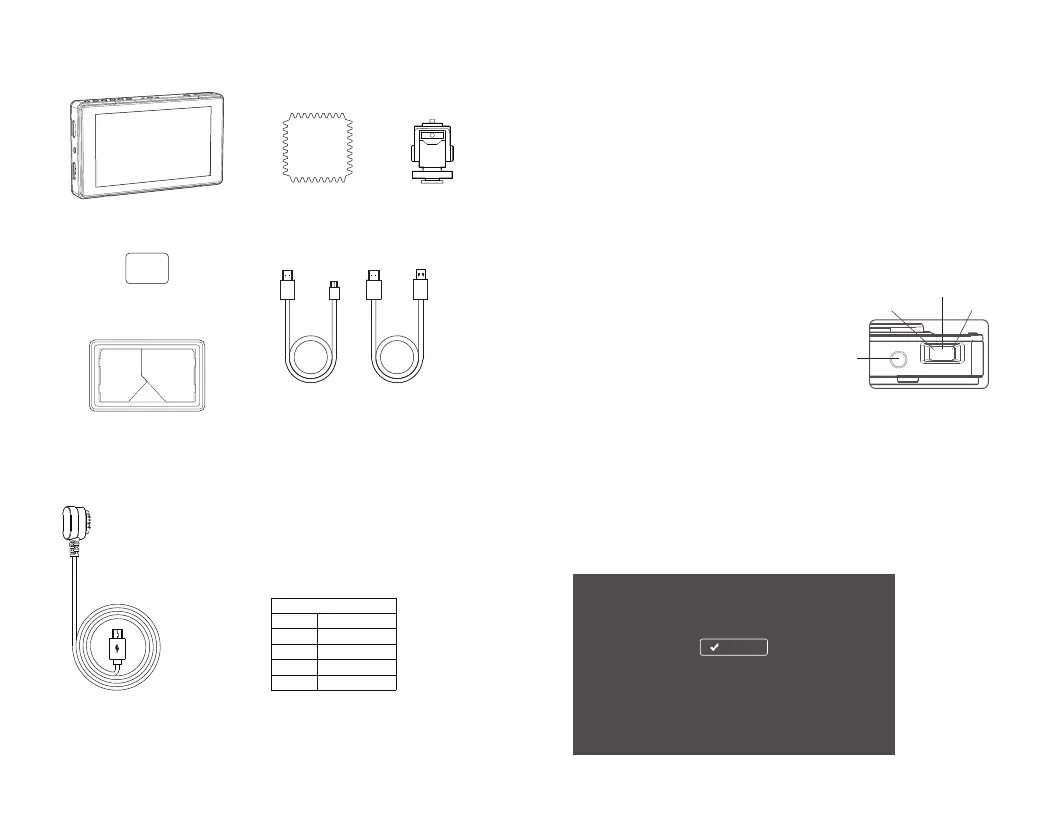
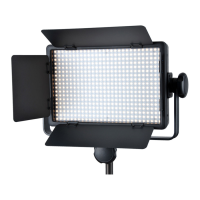
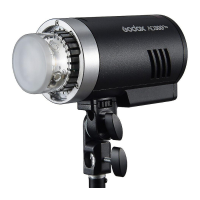
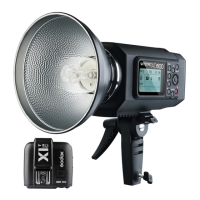
What’s Inside
Optional Accessory
Purchase different camera control cables(optional) according to different camera models.
USB Camera Control Cable
More camera control cable, please visit the Godox website to gain
the newest information of support camera models.
Model and Corresponding Port:
Model
GMC-S1
GMC-U1
GMC-U2
GMC-U3
Multi
Micro USB
Mini USB
USB Type-C
Camera Port
HDMI Cable:
The DC power input voltage of this product is 7 to 24V.
Please avoid too wet and too much dust, otherwise, malfunction may be
caused by circuit erosion.
This product supports firmware upgrade. Do not blackout during the upgrad-
ing(approx.3 minutes). Power the product on after the screen is completely
put out.
Please power off and disconnect it with the power supply if do not use in a
long period.
Usage Requirement
Usage
Press down the select dial to enter the main
menu. Turn the select dial leftwards or
rightwards to choose the needed parameters
and press down to confirm. Press the back
button to return to the upper menu until
exiting.
1. Select Dial Operation
Double-click the screen to enter main menu. Click the menu area to set and
single-click the video area to exit the menu.
2. Touch Operation
Usage Instruction
Return
Leftwards Rightwards
Press down
1.
2.
3.
4.
3. Language Setting
3.1 Language Setting in First Boot
As shown in figure, choose the corresponding menu language by following the prompt. Then,
click “OK/Confirm”.
Prompt: every time after finishing the main menu’ s reset operation, the product will enter this
language setting interface when being turned on again.
- 15 -
- 16 -


 To Next Page