Flash Mode — i-TTL Autoflash
This flash has three flash modes: i-TTL, Manual (M), and RPT
(Stroboscopic). In i-TTL mode, the camera and the flash will work
together to calculate the correct exposure for the subject and the
background. In this mode, multiple TTL functions are available:
FEC, HSS, second curtain sync, modeling flash, etc.
* Press < MODE > Mode Selection Button and three flash modes
will display on the LCD panel one by one with each pressing.
i-TTL Mode
Press < MODE > Mode Selection Button to enter i-TTL mode. The
LCD panel will display.
● Press the camera release button halfway to focus. The aperture
and effective flash range will be displayed in the viewfinder.
● When the shutter button is fully pressed, the flash will fire a pre-
flash that the camera will use to calculate exposure and flash
output the instant before the photo is taken.
FEC: Flash Exposure Compensation
With FEC function, this flash can adjust from -3 to +3 in 1/3rd stops.
It is useful in situations where minor adjusting of the TTL system is
needed based on the environment.
Setting FEC:
Set the flash exposure
2 compensation amount.
● Turn the Select Dial to set
the amount.
● “0.3”means 1/3 step,
“0.7”means 2/3 step.
● To cancel the flash
exposure compensation,
set the amount to “+0”.
Press < SET > button again
3 to confirm the setting.
Press Function Button 2
1 < >. The icon < >
and flash exposure
compensation amount will be
highlighted on the LCD
panel.
- 35 - - 36 -
● If you set a shutter speed as 1/320s (Auto FP) or 1/250s
(Auto FP) in the Nikon camera setting, < > will be
displayed in the flash screen regardless of practical shutter
speed.
● With high-speed sync, the faster the shutter speed, the
shorter the effective flash range.
● To return to normal flash, set the flash sync speed to other
options other than Auto FP. Then the icon < > will
disappear when pressing the shutter halfway.
● Multi flash mode cannot be set in high-speed sync mode.
● Over-temperature protection may be activated after 15
consecutive high-speed sync flashes.
High-Speed Sync
High Speed Sync (FP flash) enables the flash to synchronize with all
camera shutter speeds. This is convenient when you want to use
aperture priority for fill-flash portraits.
Select the high-speed sync icon < >.
Second-Curtain Sync
With a slow shutter speed, you can create a light train following the
subject. The flash fires right before the shutter closes.
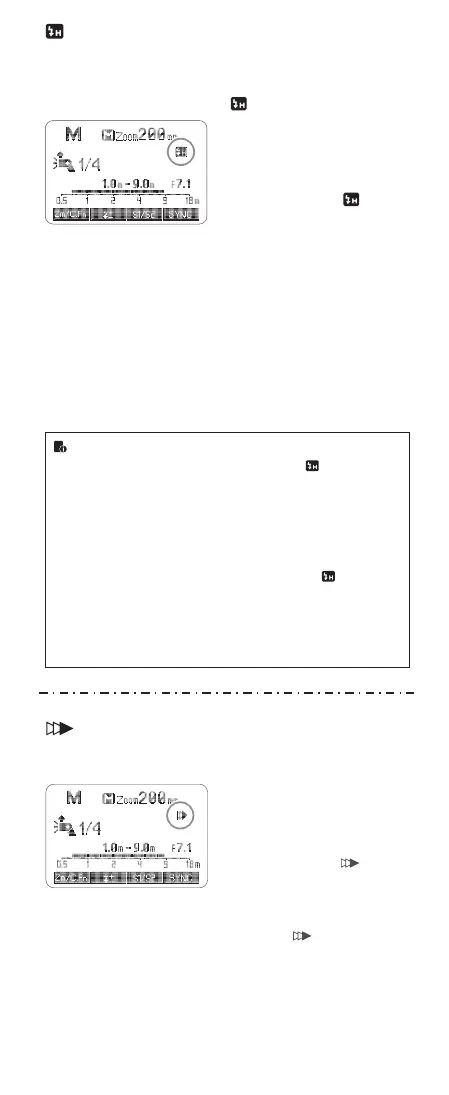
● Set the camera to Rear mode
and press the shutter button
halfway, then the flash display
panel will show the second
curtain sync icon < >.
● When the camera is not set to
Rear mode, pressing the shutter
button halfway will not light up
the icon < > on the flash
display panel.
● Set the flash sync speed to
1/320s (Auto FP) or 1/250s
(Auto FP) in the Nikon camera
menu. Press the shutter button
halfway. The icon < >
displayed on the flash screen
means the high speed sync
function is enabled on the flash.
● Turning the camera command
dial can set the shutter speed to
1/250s or faster.
● To check if the FP flash function
works properly, look through the
shutter speed in the viewfinder.
If it shows a speed of 1/250s or
faster, the FP flash function is
on work.


 To Next Page
 Loading...