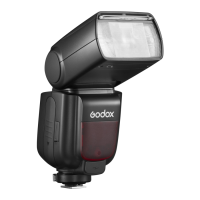
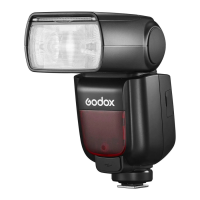
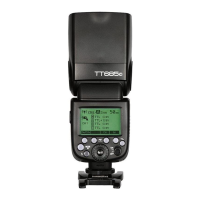
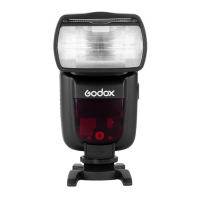
- 41 - - 42 -
5. i-TTLFully Automatic Wireless Flash Shooting
Using Automatic Wireless Flash with a Single Slave Unit
Master Unit Setting
1
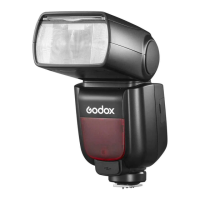
● Attach a TT685N camera
flash on the camera and
set it as the master Unit.
(Page 40)
● M/A/B/C can be set as TTL
mode independently.
Slave Unit Setting
2
● Set the other camera flash
as the wireless slave Unit.
(Page 40)
● The slave unit can be set
as A/B/C.
Check the communication
3 channel.
● If the master unit and slave
unit(s) are set to a different
channel, set them to the
same channel. (Page 40)
Position the camera and
4 flashes.
● Position the camera and
flashes as the picture
shows. (Page 39)
Check that the flash is
5 ready.
● Check that the master flash
ready indicator is lightened.
● When the slave flash ready
indicator is ready, the AF-
assist beam lighting area
will blinks at 1 second
intervals.
Check the flash operation.
6
● Press the master unit’s
Test Button < >.
● Then, the slave unit will
fire. If not, adjust the slave
unit’s angle toward the
master unit and distance
from the master unit.
The slave unit might be out of order or fire an unwanted flash due to the
nearby fluorescent lamp or computer screen.
● If the slave unit’s auto power off function is workable, press the master
unit’s test button to power it on. Please note that test firing is unavailable
during the camera’s regular metering time.
● The effective time of slave auto power off is changeable. (C.Fn-Sv APOT
Page 47)
● By making some settings, the auto AF-assist transmitter will not blink after
the slave unit’s flash ready indicator is lightened. (C.Fn-AF Page 47)
6. M: Wireless Flash Shooting with Manual Flash
This describes wireless (multiple shooting) using manual flash. You
can shoot with a different flash output setting for each slave unit
(firing group). Set all parameters on the master unit.
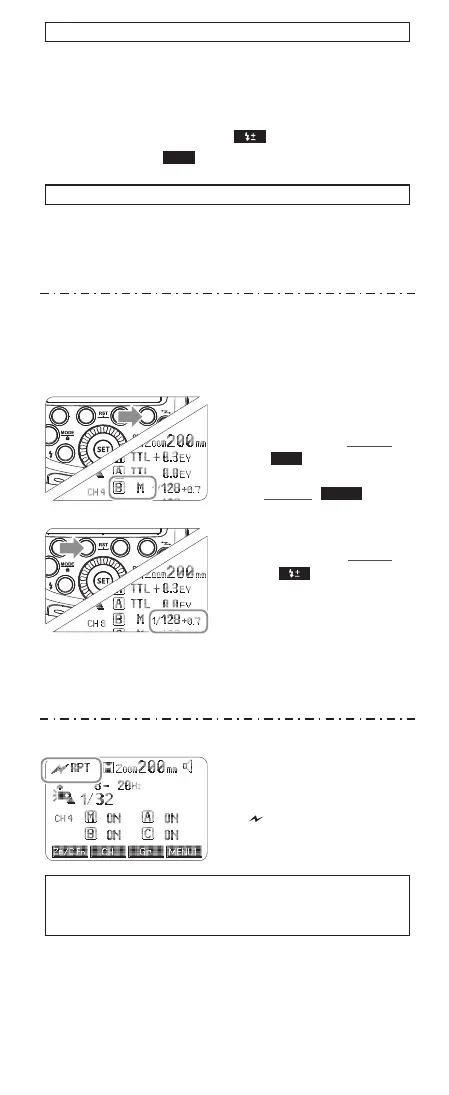
Setting flash output.
2
● Press Function Button 2
< >. Turn the Select
Dial to set the flash output
of the groups. Press the
<SET> button to confirm.
Setting the flash mode to
1 <M>.
● Press Function Button 4
< > to choose groups.
Then, press Function
Button 3 < > to set
the flash to M mode.
Taking the picture.
3
● Each group fires at the set
flash ratio.
Gr
7. RPT: Wireless Flash Shooting with Manual Flash
Setting < RPT > stroboscopic
flash.
● Press <MODE> button so that
< RPT > is displayed.
● Setting the stroboscopic flash.
(Page 38)
The firing frequency of stroboscopic flash during the optic
transmission wireless shooting can be set from 1Hz to 100Hz
(settings from 250 Hz to 500 Hz are not available).
MODE
Using Fully Automatic Wireless Flash
The FEC and other settings that set on the master unit will also be
appeared on the slave unit automatically. The slave unit does not
need any operation. Use the following settings to make wireless
flashes according to the same methods with normal flash shooting.
● Flash Exposure Compensation ( Page 35)
● High-Speed Sync ( Page 37)
SYNC
About Master Unit
Use two or more master units. By preparing several cameras that
with master units flash attached, cameras can be changed in
shooting while keeping the same lighting source (slave unit).


 To Next Page
 Loading...