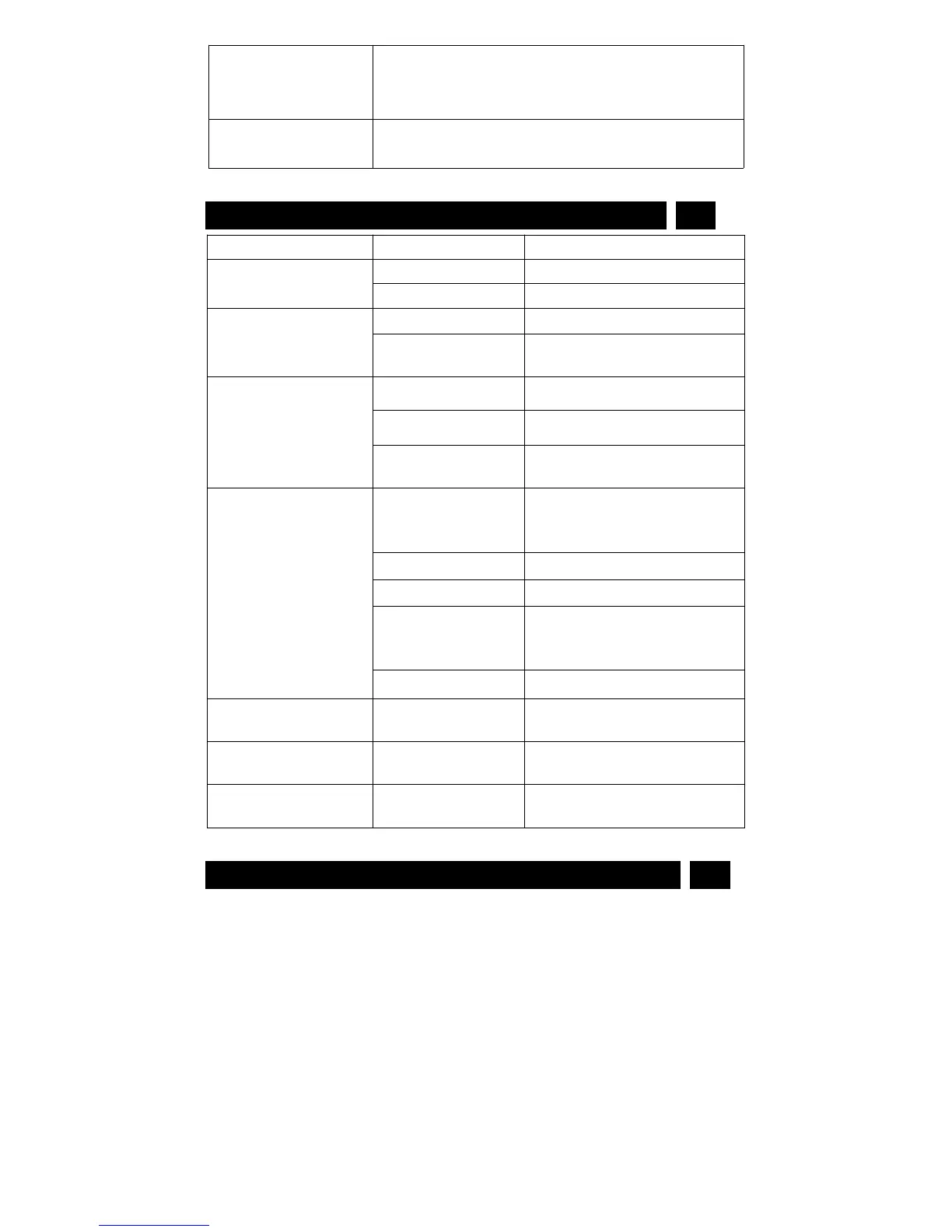
Common media players, or Mainstream audio and
video media playing software, with the high version
player
Windows XP, Win7/8/10, Vista 7/8, Mac OS, Android
system
Remove files from memory or
change to a new memory
Power auto off after
start
No TF card loaded or
TF card not fix well
Load TF card or fix well TF
card
Can't recognize when
connected to PC /
laptop
Glasses is turned on
when you plug it
into a computer
Make sure the video-glasses is
turned off when plugged.
USB cable didn’t
connect glasses and
PC well
Make sure the USB cable
connect with the glasses and
Computer well
Delete unwanted files to clear
space
APP can’t connect to
glasses
APP open ahead of
WiFi connection
Close APP and Open it again
Strictly follow relevant regulations and laws. This product should not be used
for any illegal purposes. The user is fully responsible for its operational uses.
Warning: This eyewear is not designed to protect the wearer from injuries in
events of impact with hard objects.
Sunglasses must not be used for night driving.
To avoid damage to optical devices, DO NOT expose the camera directly to
strong lights, such as the sun or strong artificial light sources.
Sunglasses are not recommended for industrial protections.
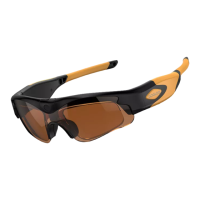
WARNING: DO NOT attempt to dismantle the device. Any attempt to alter or
repair the unit, except by the original manufacturer or an Authorized Service


 To Next Page